
Start here
What the AI Face Creator is, what costs credits, and the path from your first sign-in to a face on your watch.
5 min7 stepsAndroid phoneWear OS 6 watch
The AI Face Creator makes Wear OS watch faces from a sentence. You describe a face, pick one of four designs, change anything you like, save it, and put it on your watch. It works in your browser (the studio) and in the Watchland app, with the same account and the same saved faces.
It’s in closed beta for invited Watchland Premium members.
-
Step 1: Join the beta in the Watchland app
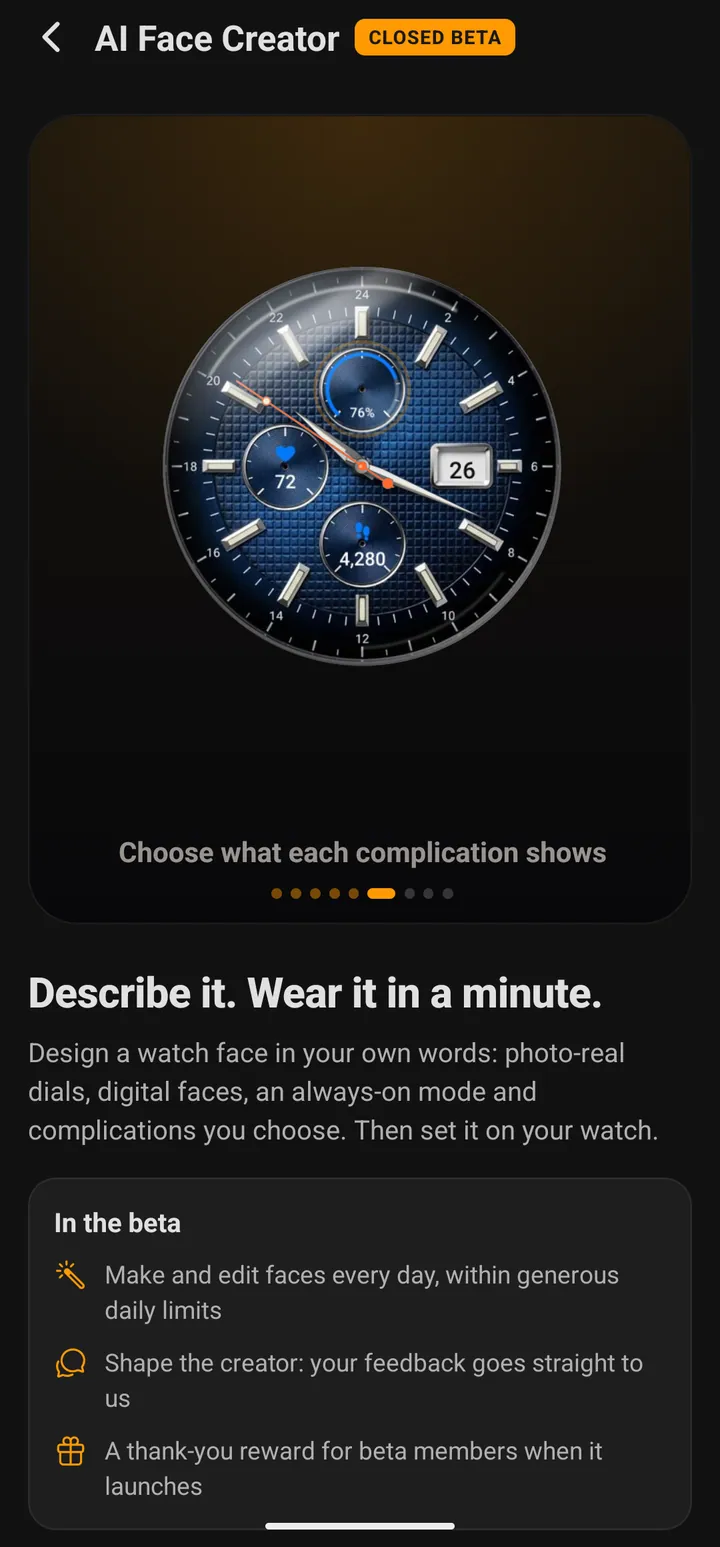
Open Watchland on your Android phone, tap the AI Face Creator card on Home, and press Join early access. You answer a few questions; invited members get Premium and AI credits for the beta.
Watchland’s new Google Play listing is still waiting for Google’s review. Until it’s approved, install the app from watchland.ca/get (how).
-
Step 2: Sign in to the studio
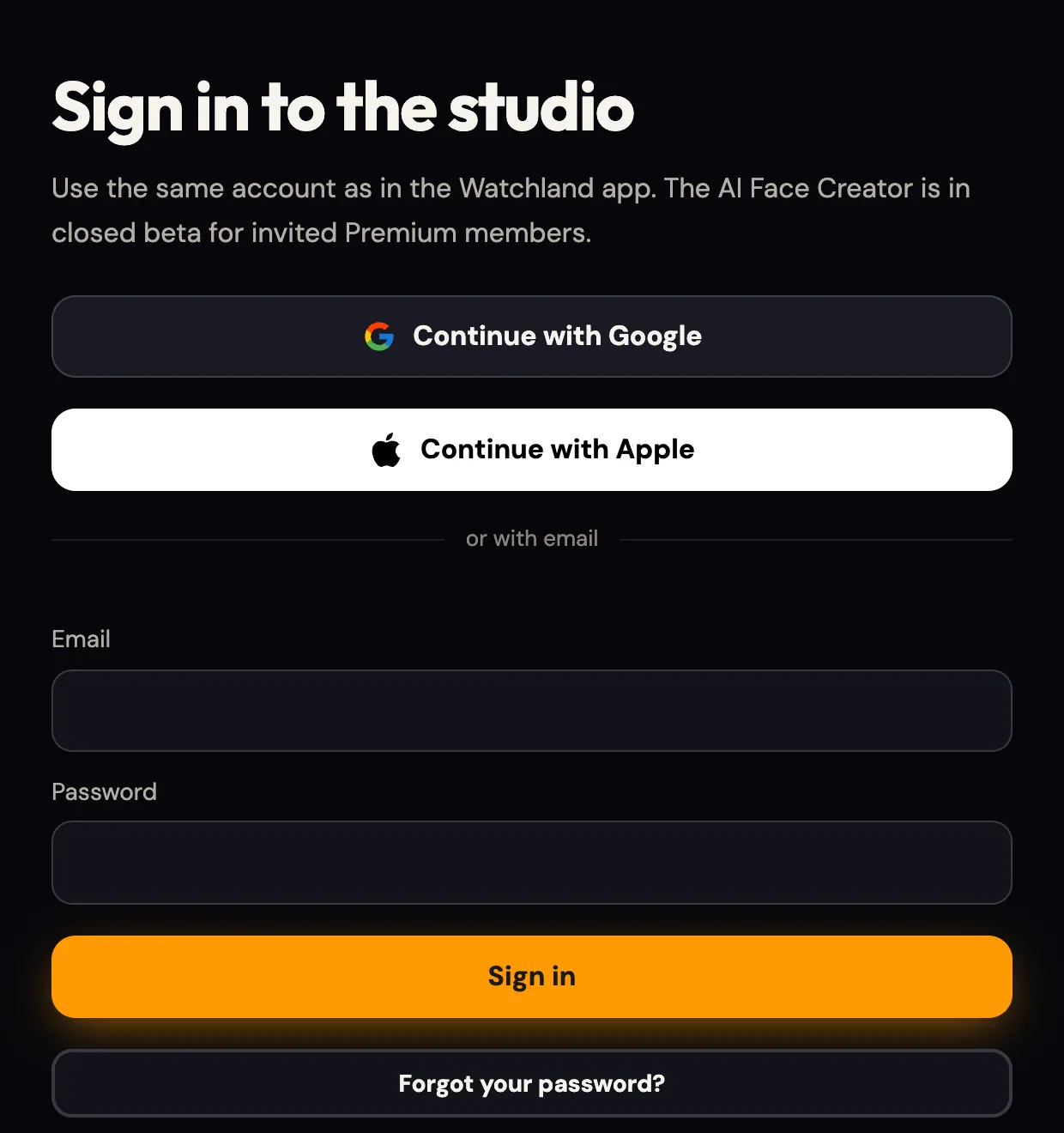
Open watchland.ca/studio on a computer or phone and sign in with the same account as in the app: Google, Apple or email. The first time, you agree to the terms: what is recorded and for how long.
-
Step 3: Describe a face
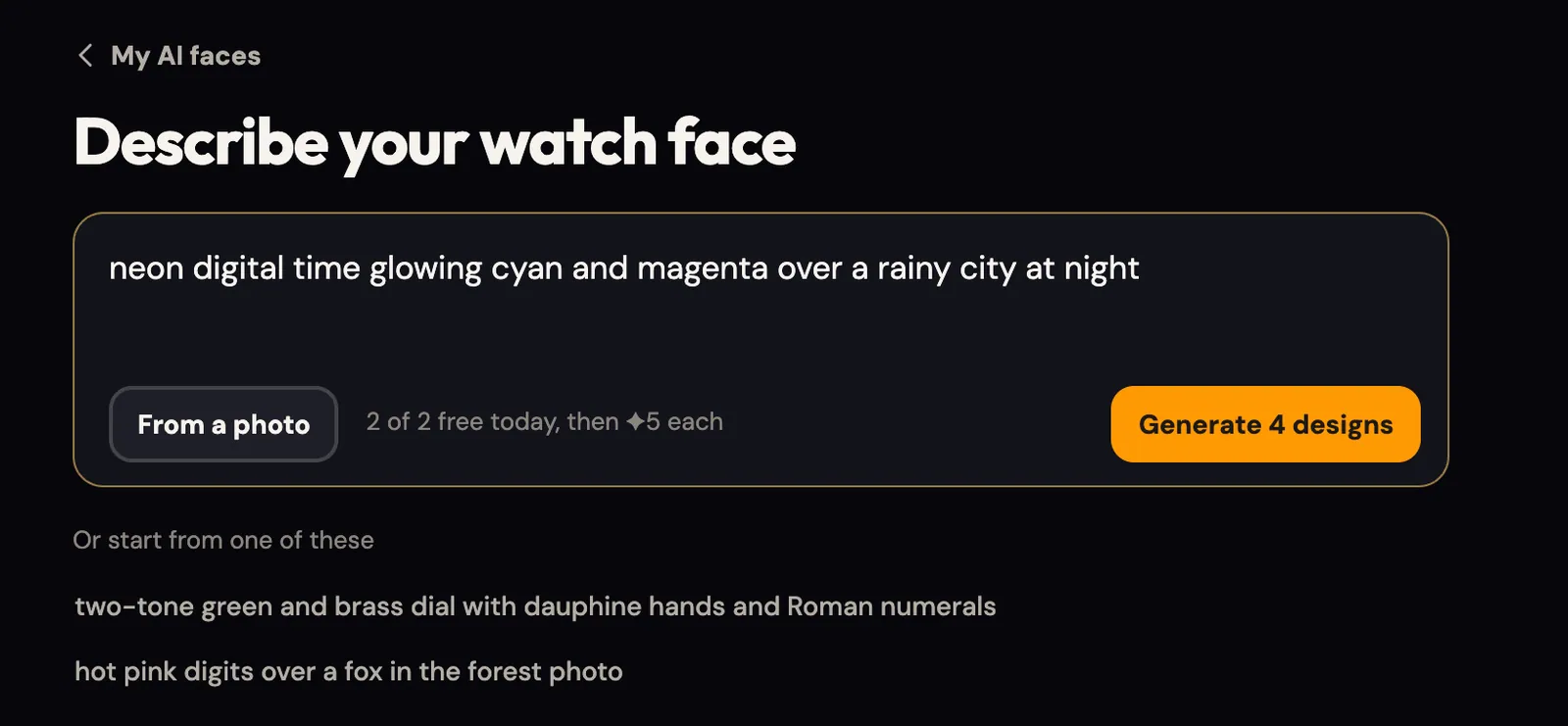
Press New face and write one sentence: the style, colours and what it should show. Or tap one of the ideas under the box. Under the box you see how many free designs are left today.
-
Step 4: Pick one of four designs
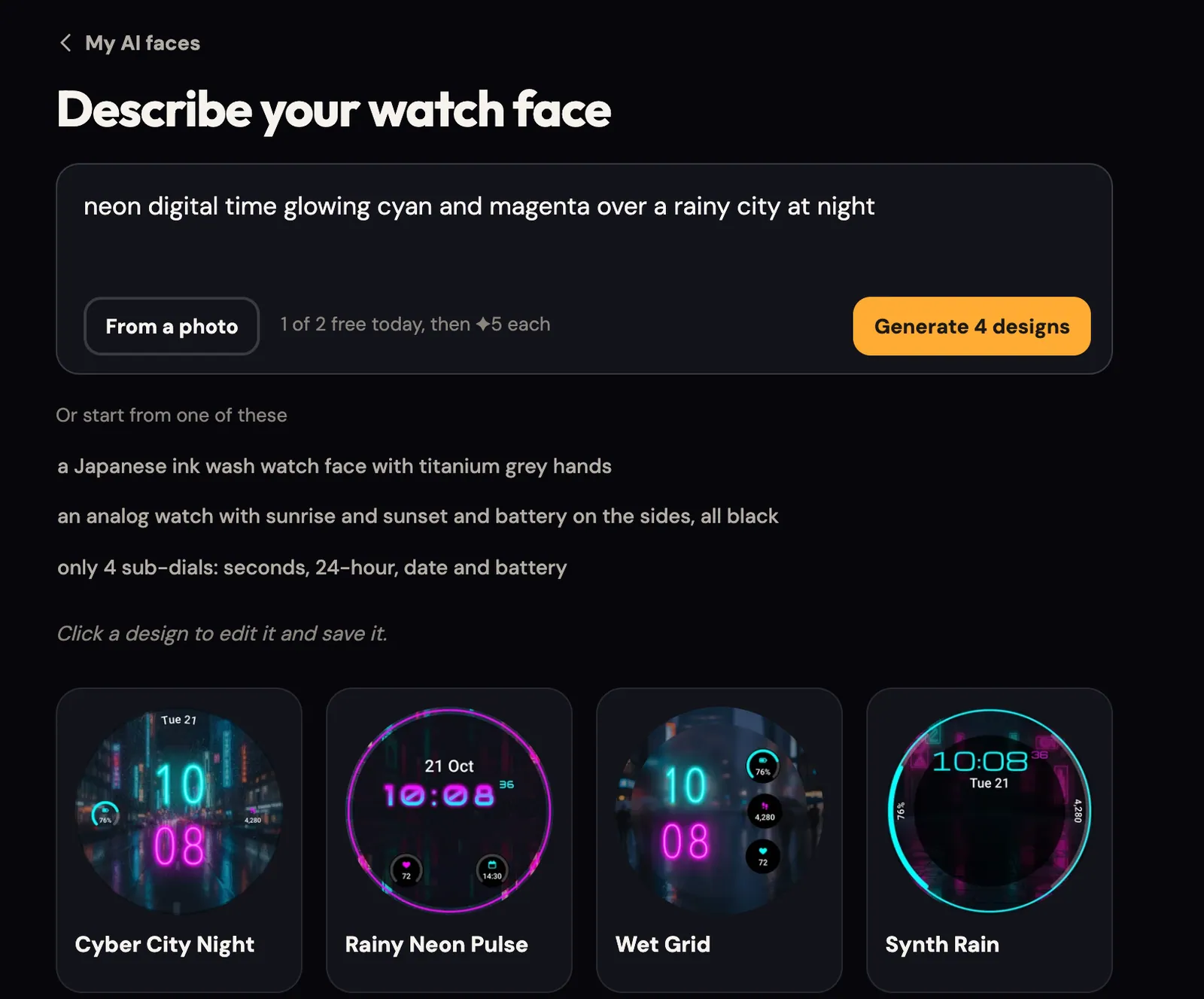
Generate 4 designs makes four different takes on your words in under a minute. Click the one you like best to open it.
-
Step 5: Change anything
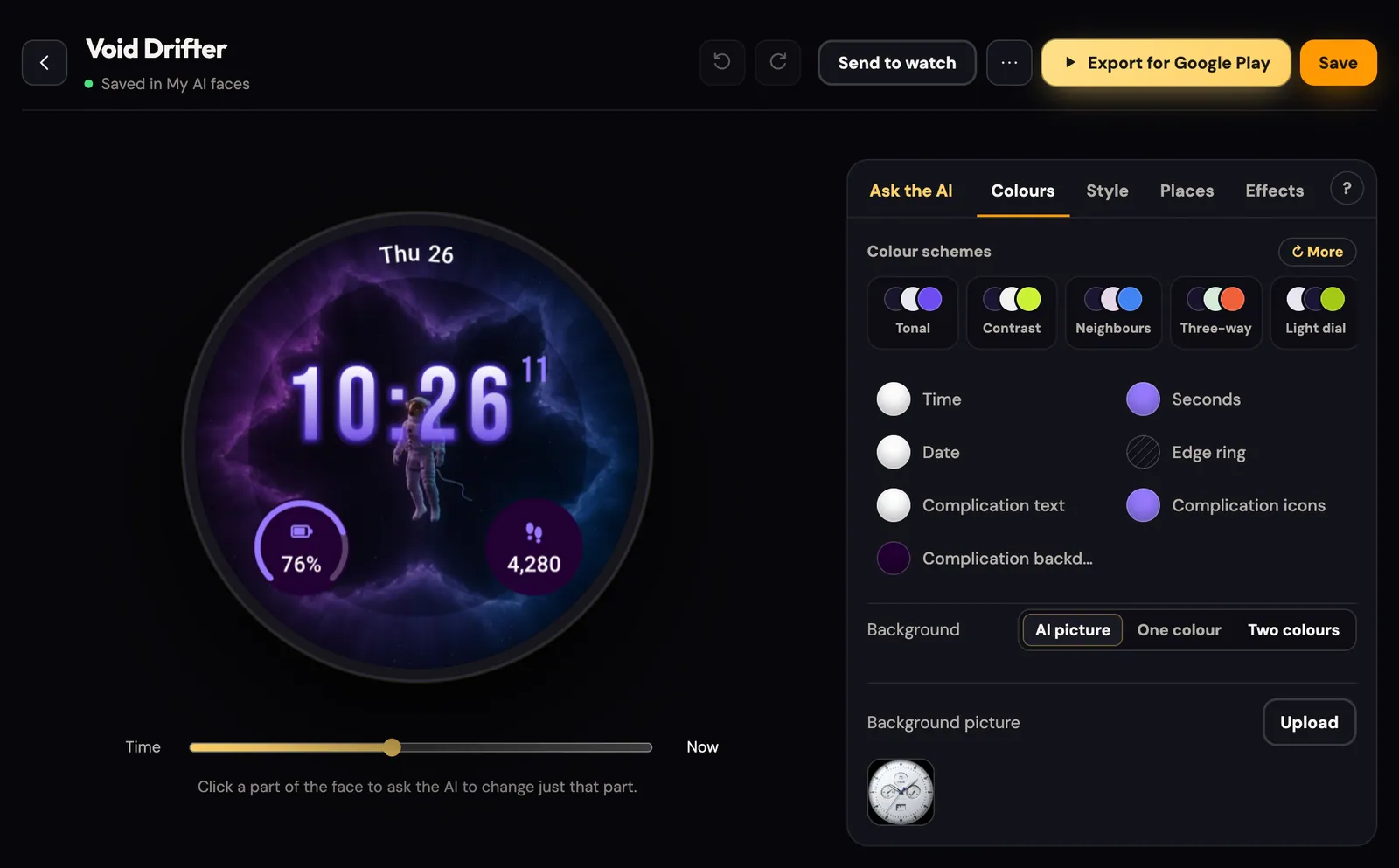
The face opens in the editor. The tabs on the right (Colours, Style, Places, Effects, Lettering) change it for free. Ask the AI changes it from your words. Editing a face goes through every tab.
-
Step 6: Save it
Press Save. The face goes to My AI faces, which you see here and in the Watchland app. Saving is free.

-
Step 7: Put it on your watch
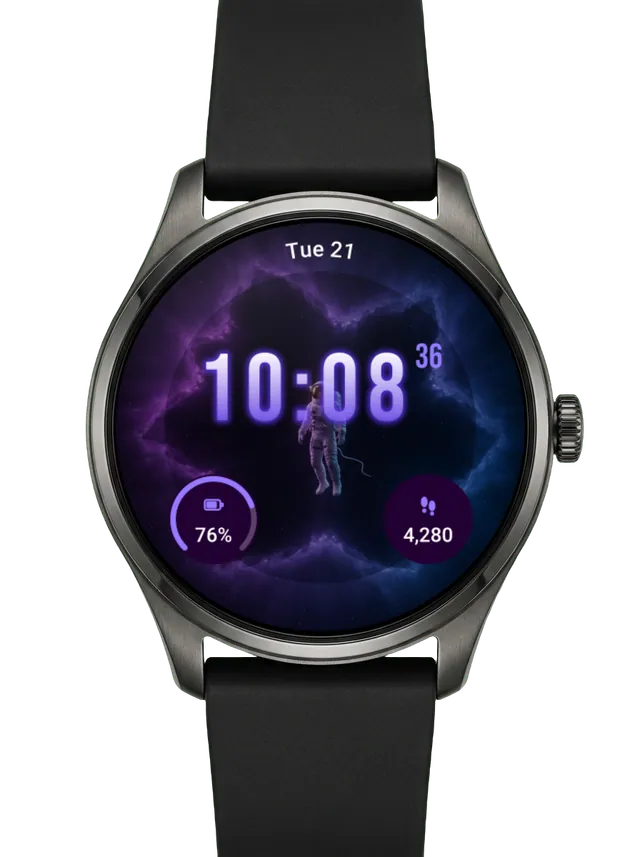
In the Watchland app: AI Face Creator › My AI faces, tap the face and press Install. Or press Send to watch in the studio and scan the code with your phone. Both ways are in Put a face on your watch.
Where next
- Credits and prices: what’s free and what isn’t.
- Analog faces, photo-real dials, digital and data faces, retro LCD faces.
- Publish your face on Google Play as your own app.
In the studio, the Guides button at the top has these guides and replays the studio tour.