Digital and big-text data faces
Big digits over a picture, or a data face packed with up to 8 complications you choose plus 4 fixed readouts.
5 min6 steps
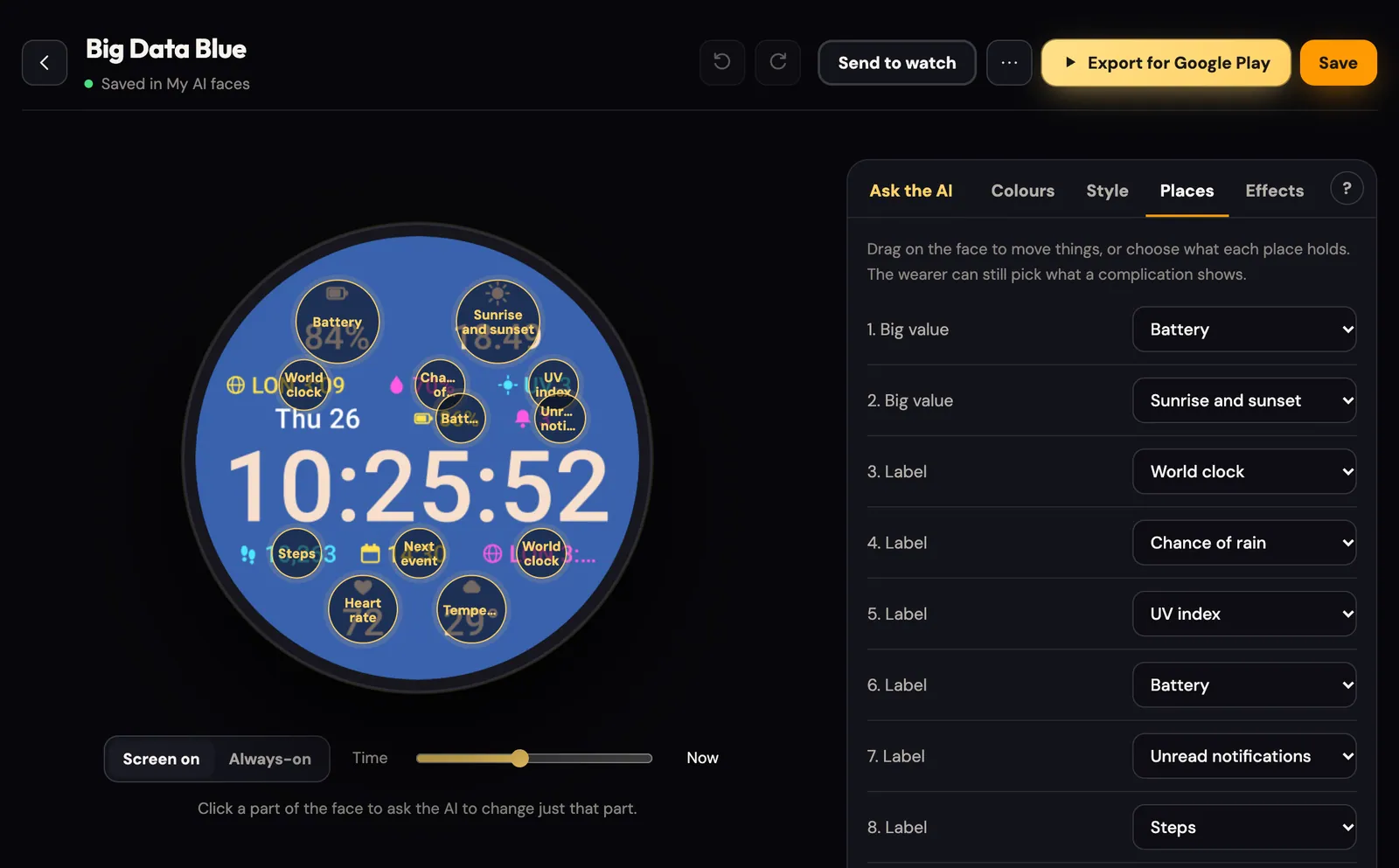
Wear OS lets a face have at most 8 complications that the wearer can change. Data faces use all 8 and add 4 readouts (such as battery, steps, heart rate or weather) that are fixed in place: 12 values in all.
-
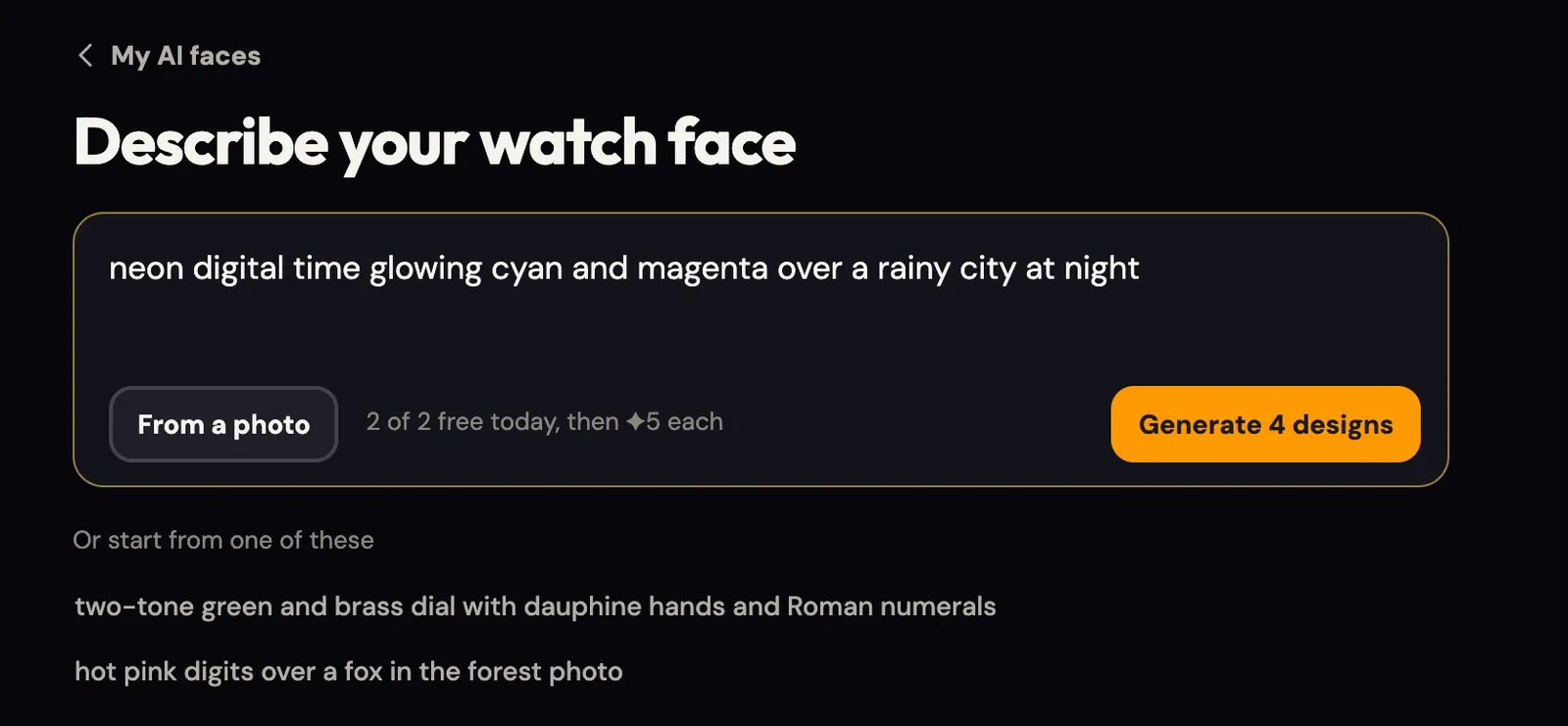
Step 1: Ask for a digital face
Describe the time and the picture behind it, or ask for “a big-text data face with lots of complications”.
-
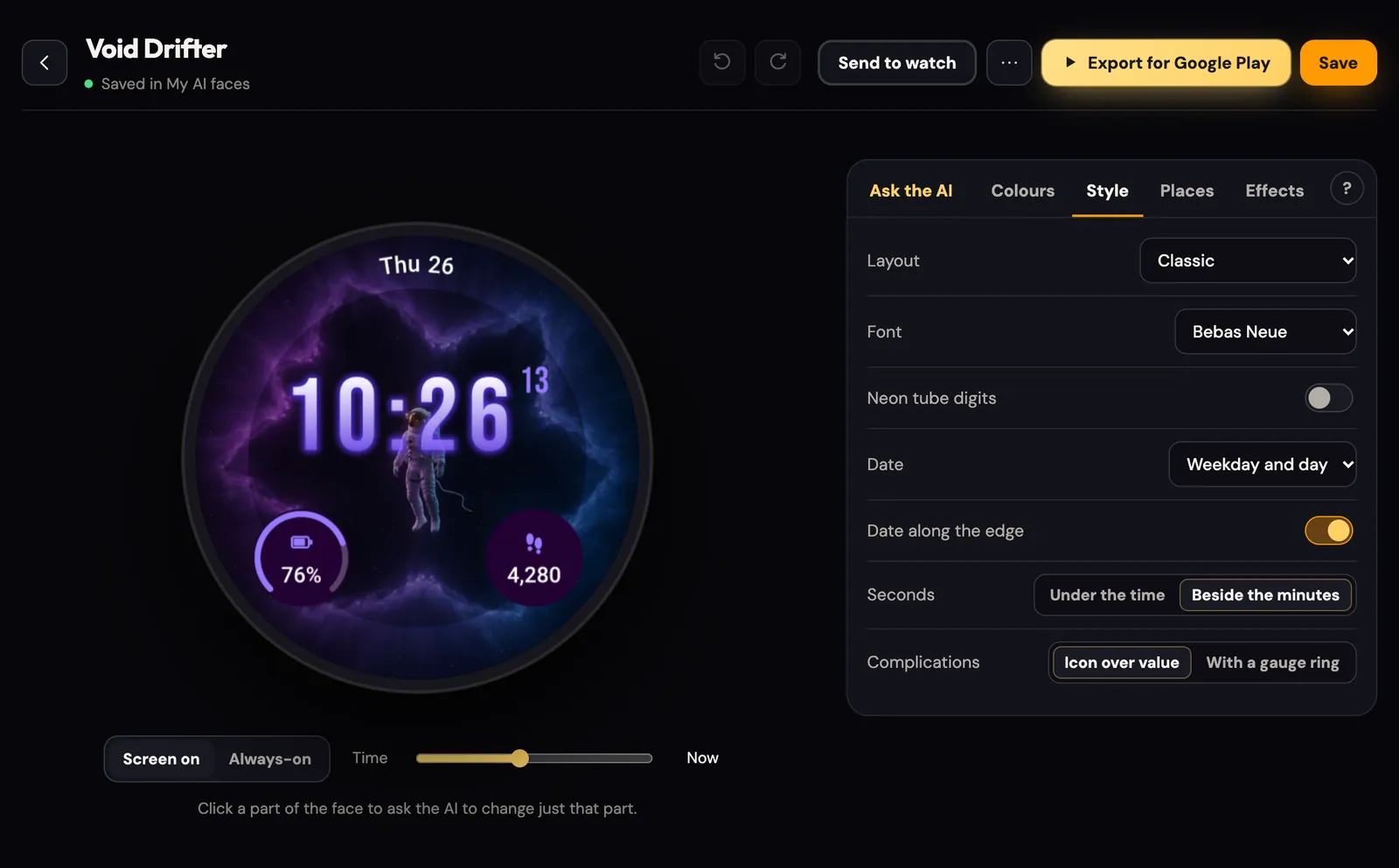
Step 2: Choose a layout
In Style, the layout puts the time and the complications in place: classic, stacked, side, top, bottom, gauges, and the data layouts. The font, seconds and date options are here too.
-
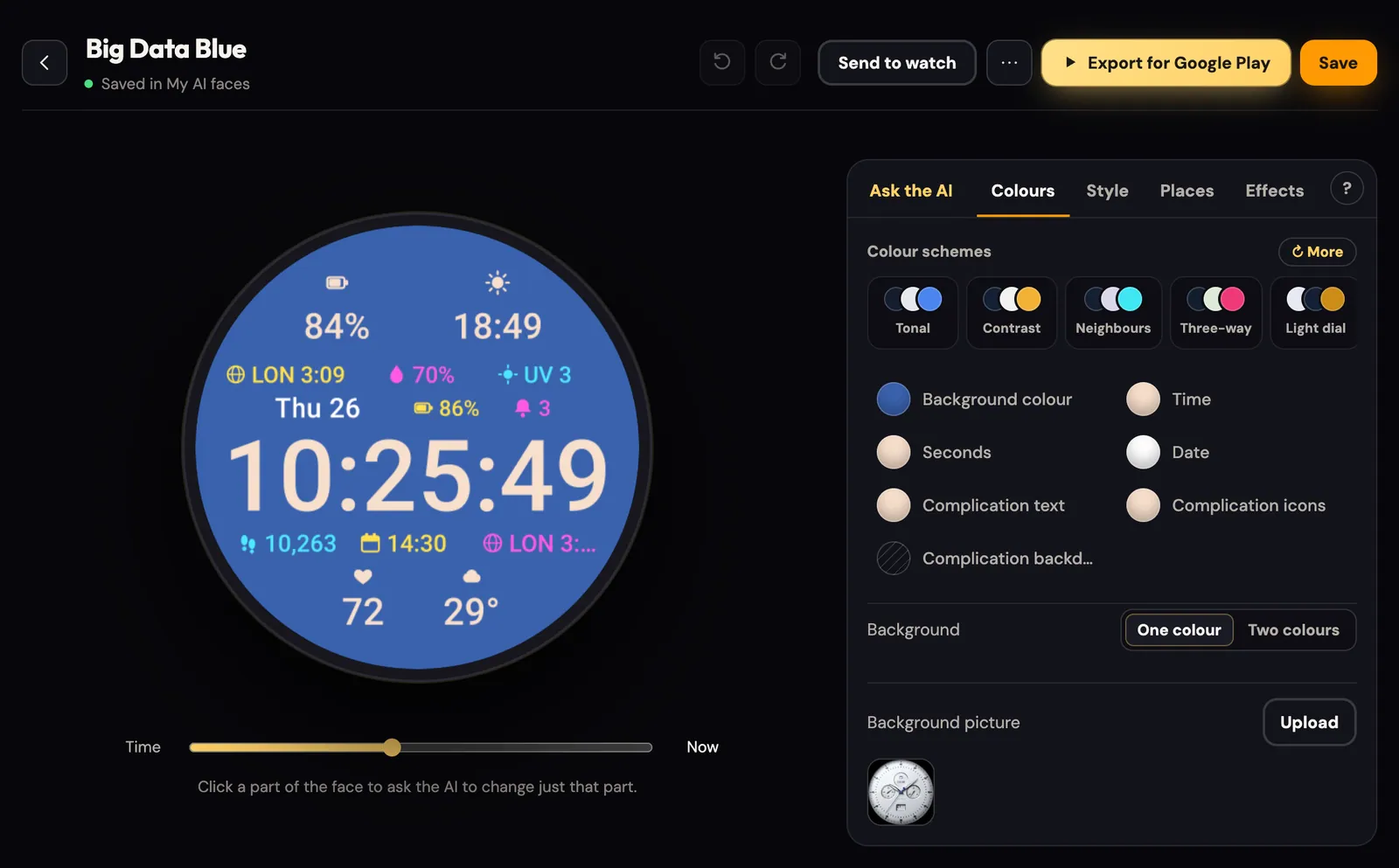
Step 3: A data face
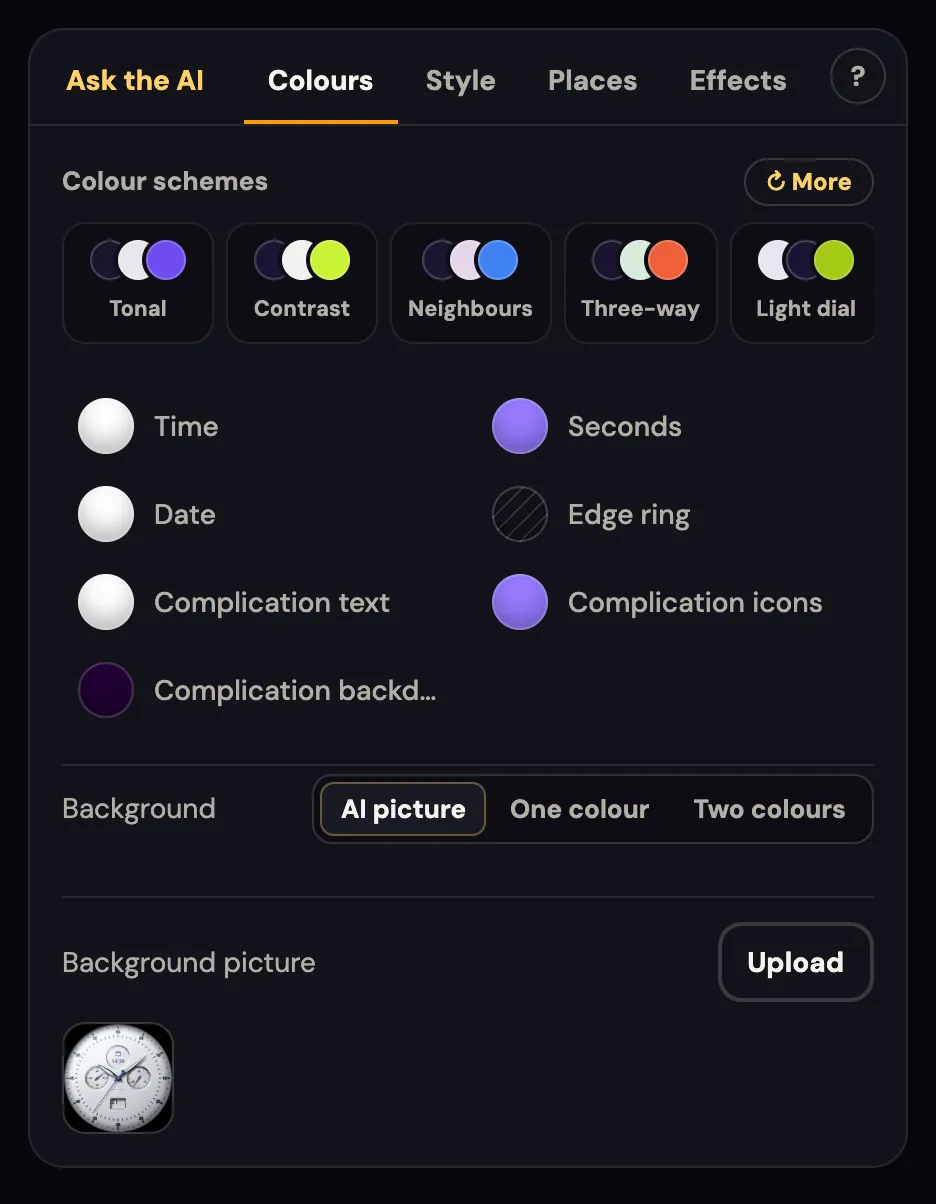
Data faces show big digits with the 12 values around them. Colours sets the background, the time, and the complication colours.
-
Step 4: What each value shows
In Places, each numbered place gets a complication or a readout. The wearer can still change complications on the watch.
-
Step 5: Other data looks
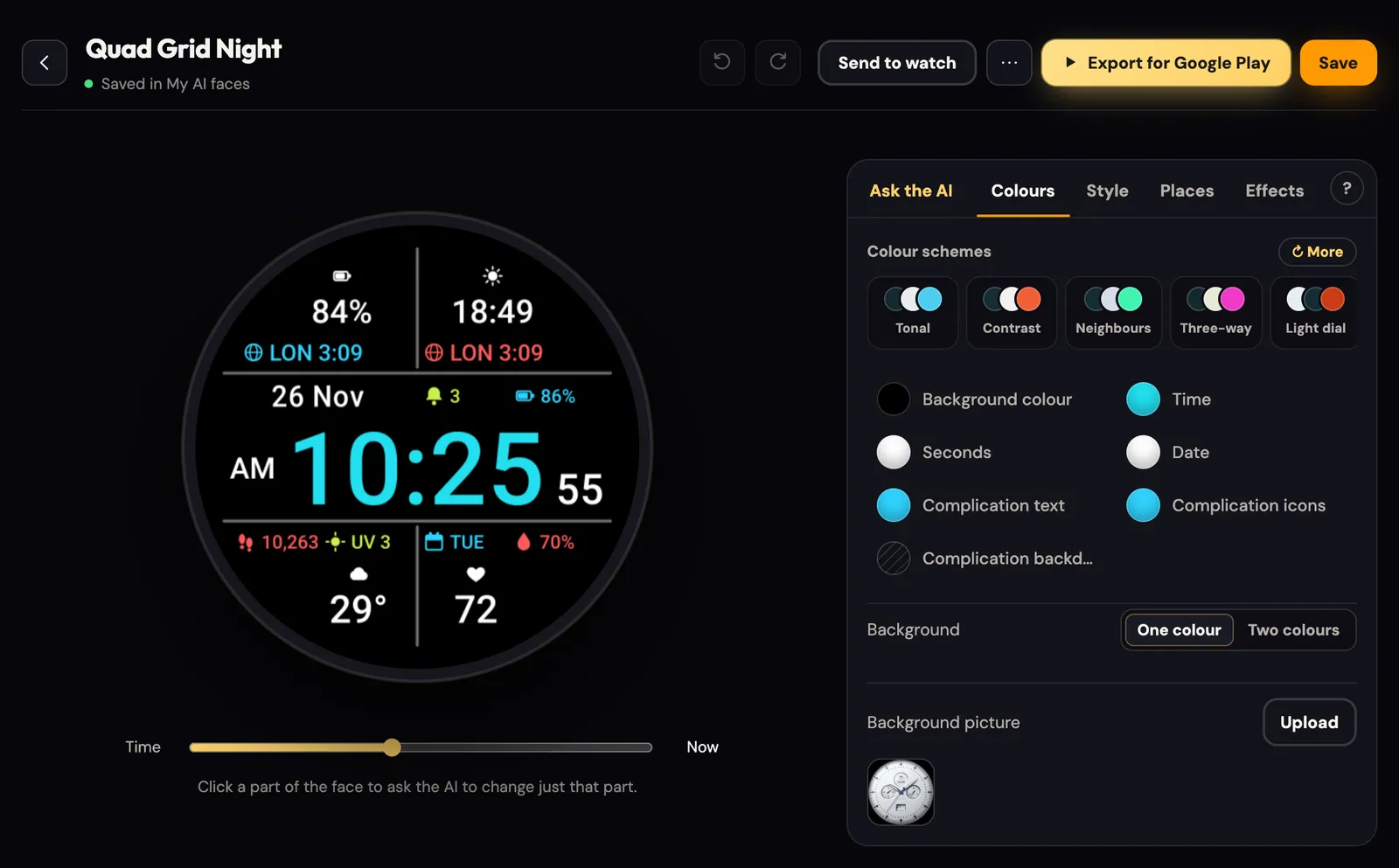
The grid layout splits the screen into quadrants. On the watch, data faces have their own settings for the background, time colour and data colours, and can keep the background in always-on.
-
Step 6: Or your own picture
In Colours › Background picture › Upload you can put your own photo behind the digits, free. Use only pictures you have the right to use.