
Credits and prices
What is free, what uses credits, where credits come from, and how prices are always shown before anything is taken.
4 min6 steps
| What | Credits |
|---|---|
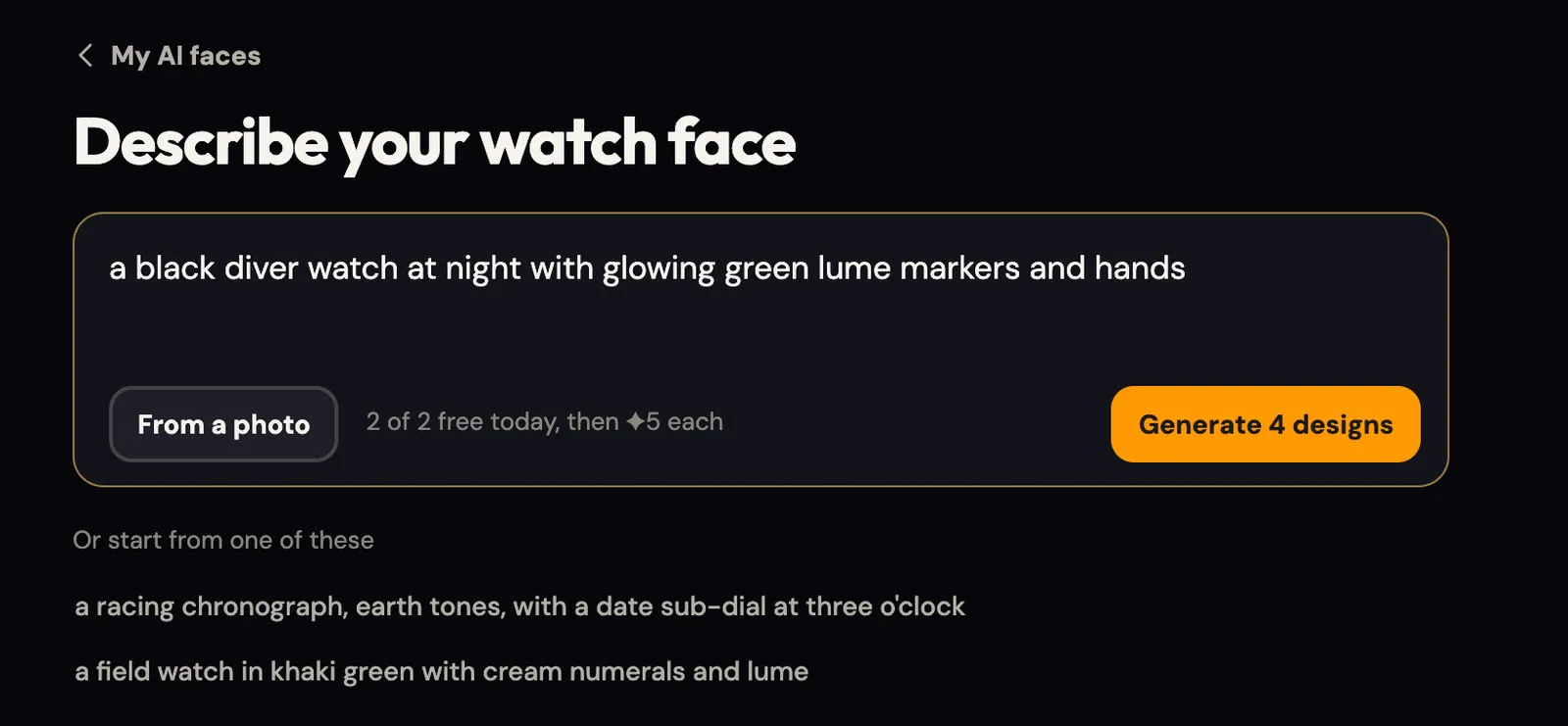
| A set of four designs: the first 2 sets each day | Free |
| A set of four designs after that (their AI pictures included) | 5 |
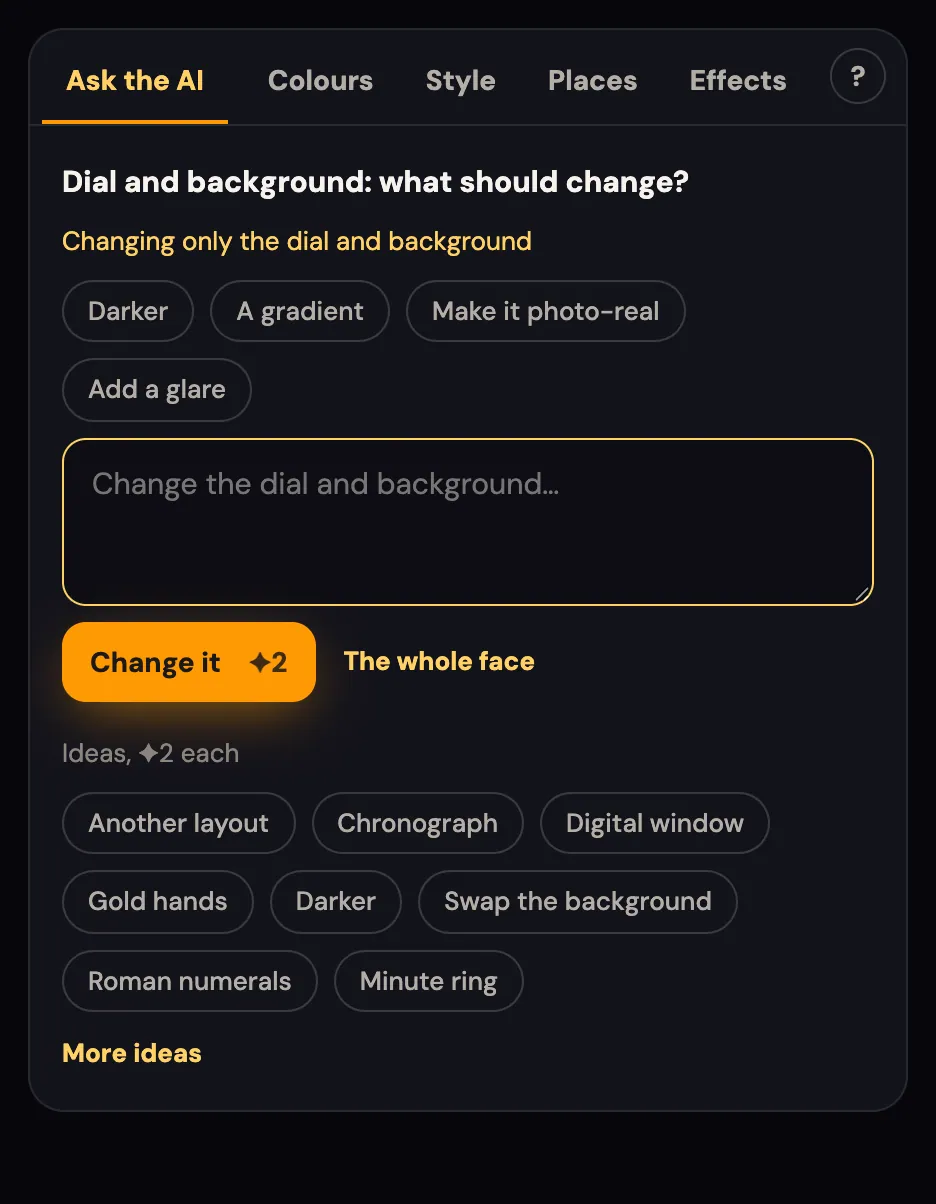
| A change from Ask the AI | 2 |
| A change that needs a new AI picture (instead of 2) | 8 |
| A new photo-real dial (opening a photo-real design, or making a face photo-real) | 15 |
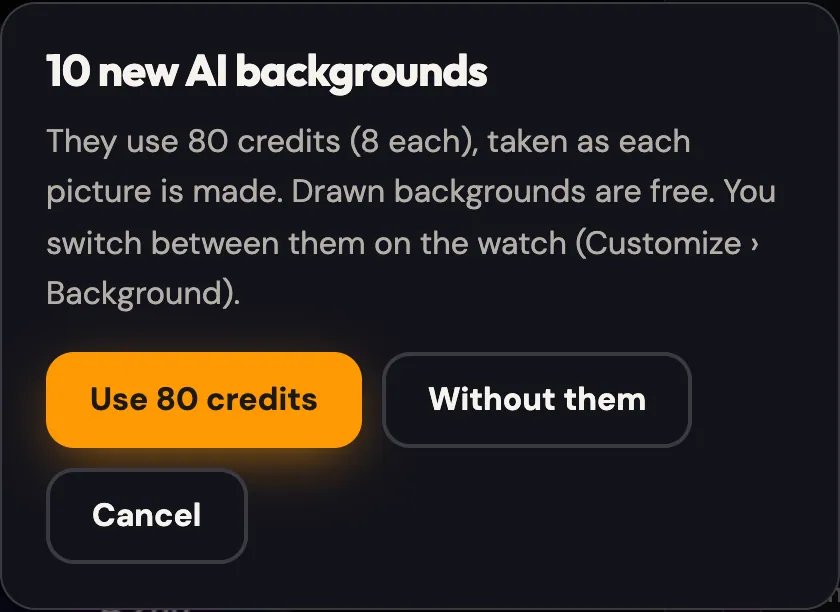
| Each extra AI background (several backgrounds) | 8 |
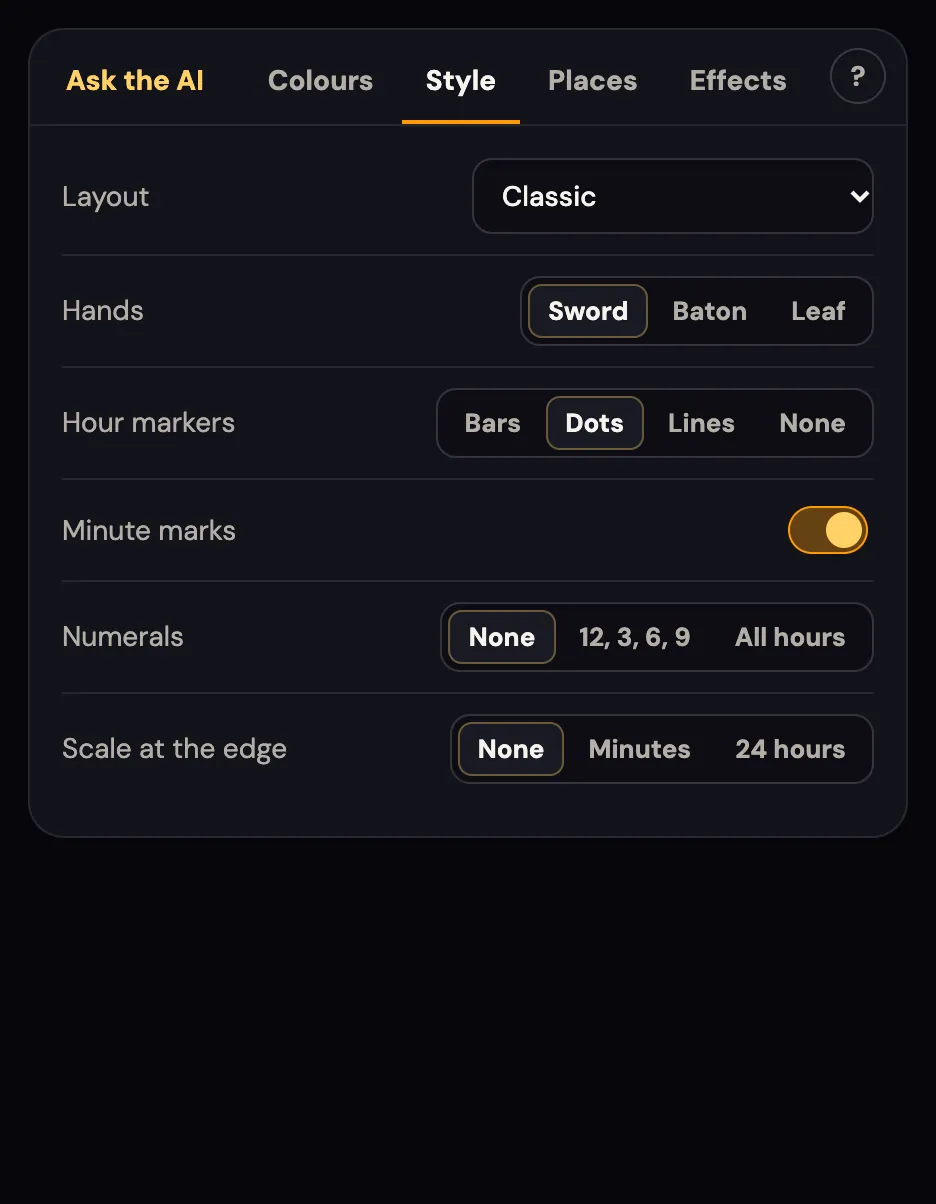
| The tabs (Colours, Style, Places, Effects, Lettering), undo, saving, sharing, sending to your watch, your own uploaded picture, drawn backgrounds | Free |
| Marketing extras when you export for Google Play | Shown beside each box |
Credits are only taken by a button that showed the price, and never more than it showed. A picture that fails is given back.
-
Step 1: See your balance
When you’re signed in, the gold ✦ button at the top shows your credits. Beta members get an allowance each month; credits you buy come on top. Hover or tap it to see which is which.

A test account with this month’s beta allowance. -
Step 2: Free designs every day
Under the description box the studio says how many free sets are left today (2 a day). After that, a set uses 5 credits and the studio asks first.
-
Step 3: Your own changes cost nothing
Everything in the Colours, Style, Places, Effects and Lettering tabs is free, as often as you like. So are undo and redo.
-
Step 4: Ask the AI shows its price
The Change it button shows the price of a change (✦2). If the AI decides your change needs a new picture or a new photo-real dial, the studio asks before it goes on, with the price on the button.
-
Step 5: Bigger jobs ask first
Several pictures at once (for example extra backgrounds) are asked as one total, taken picture by picture as they are made. You can always say no, or go on without them.
-
Step 6: Buy more credits
Click the ✦ button to open Your credits. Packs are 100 credits for CA$2.99, 350 for CA$7.99 and 1,200 for CA$19.99, tax added where it applies. Payment is handled by Stripe. Bought credits never expire and work in the Watchland app too.
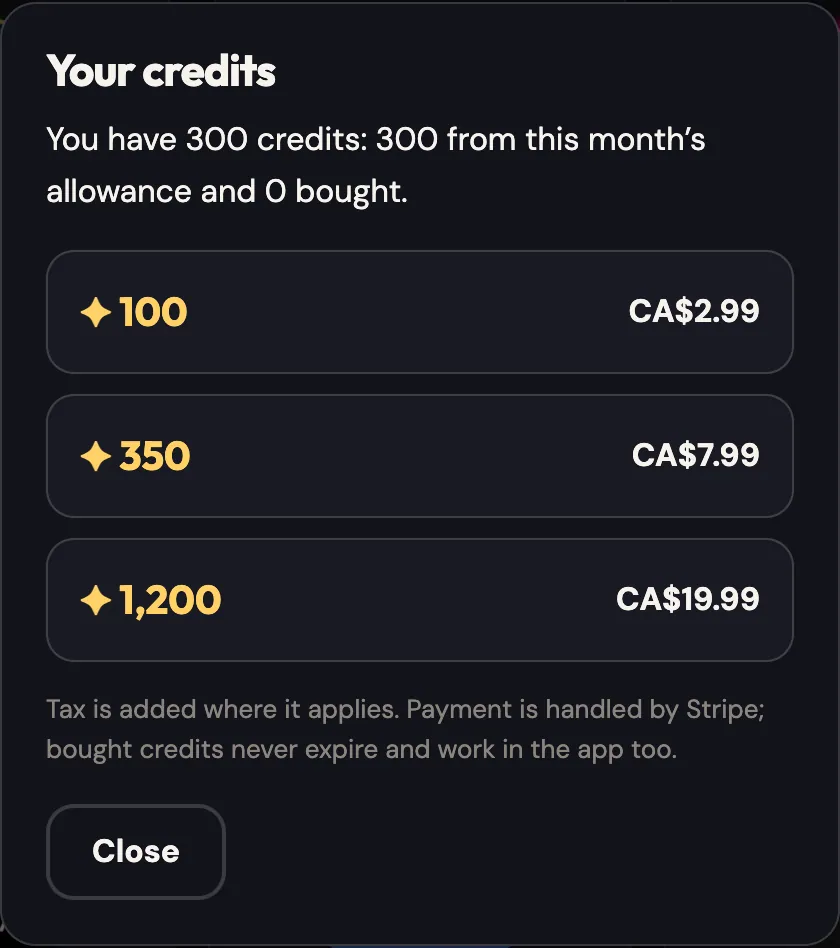
A test account; the packs and prices are the live ones.