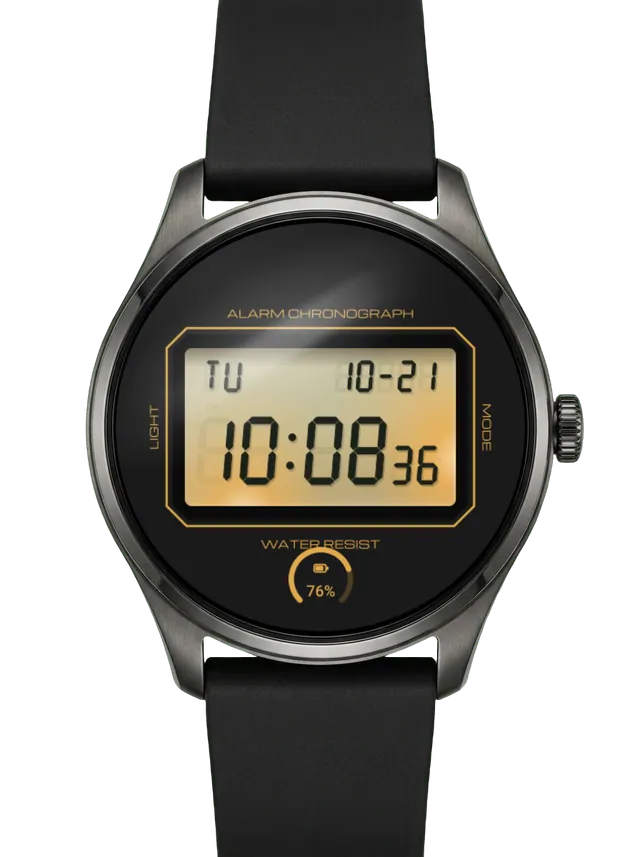
Retro LCD faces
The look of an old digital watch: segment digits, a glass panel, labels around it and a backlight that lights up on the watch.
3 min5 steps
-
Step 1: Ask for an LCD
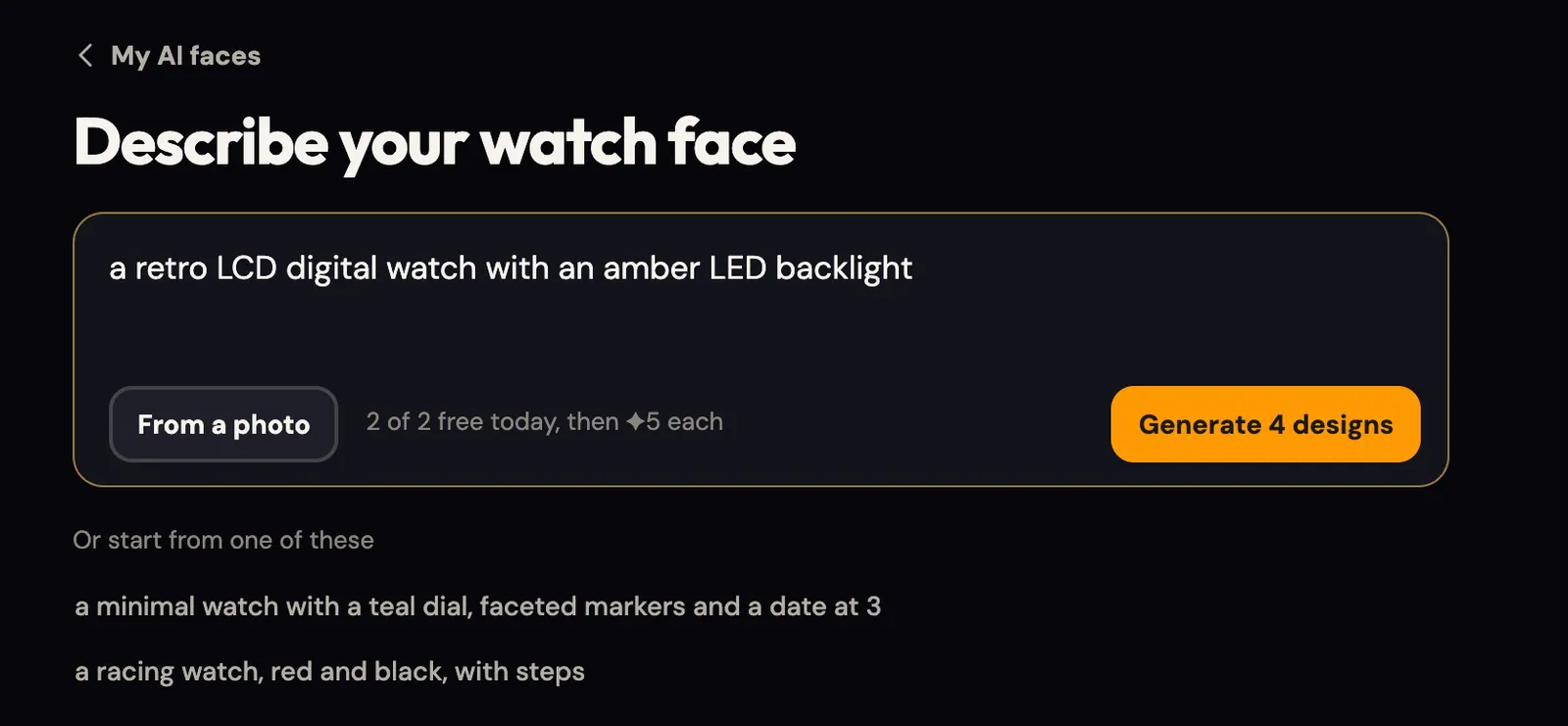
Say “retro LCD” and the colour of the backlight, for example “a retro LCD digital watch with an amber LED backlight”. Ask the AI can also turn a digital face into an LCD.
-
Step 2: Pick a design
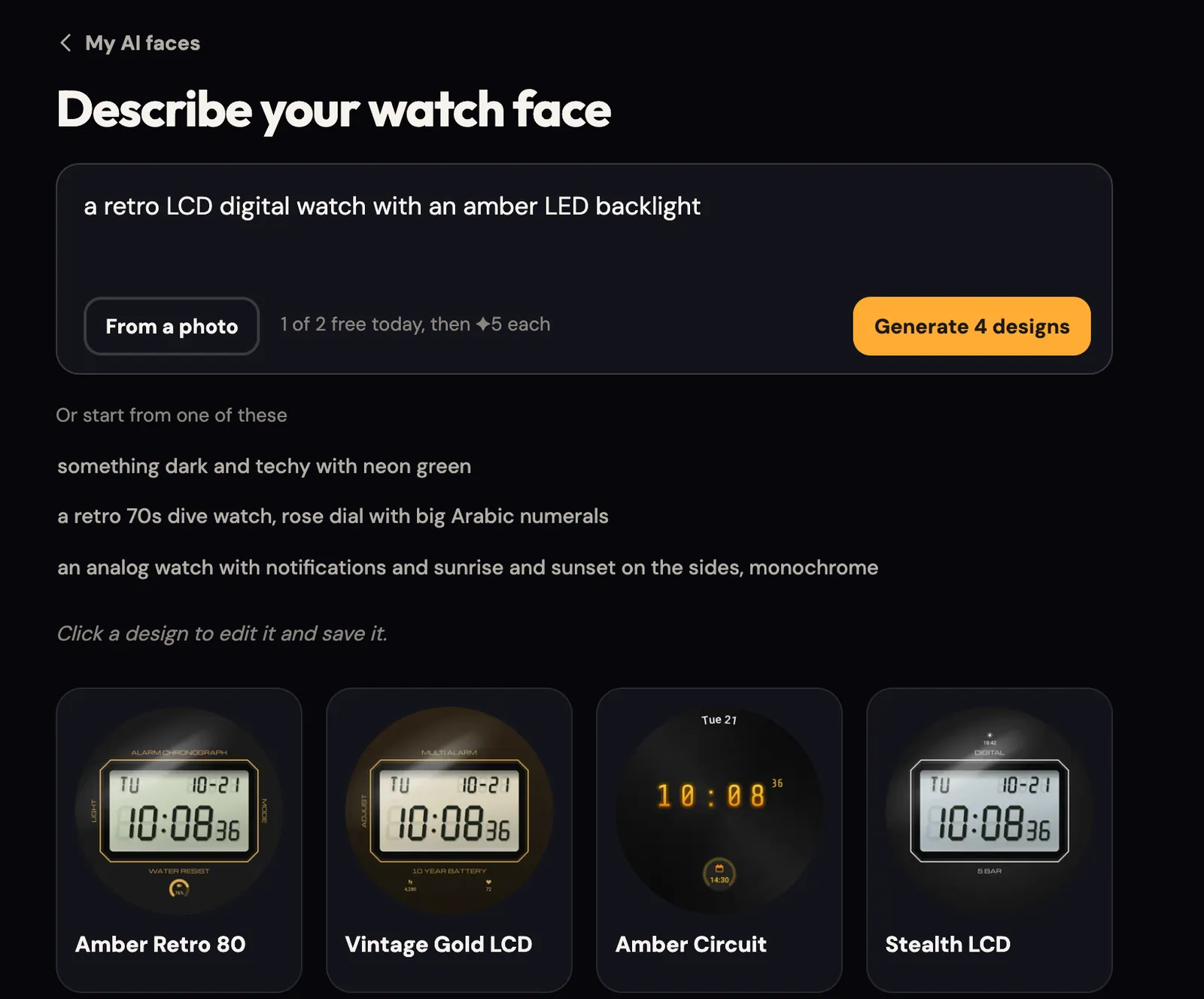
LCD designs come with different frames, labels and panel colours.
-
Step 3: Panel, segments and backlight
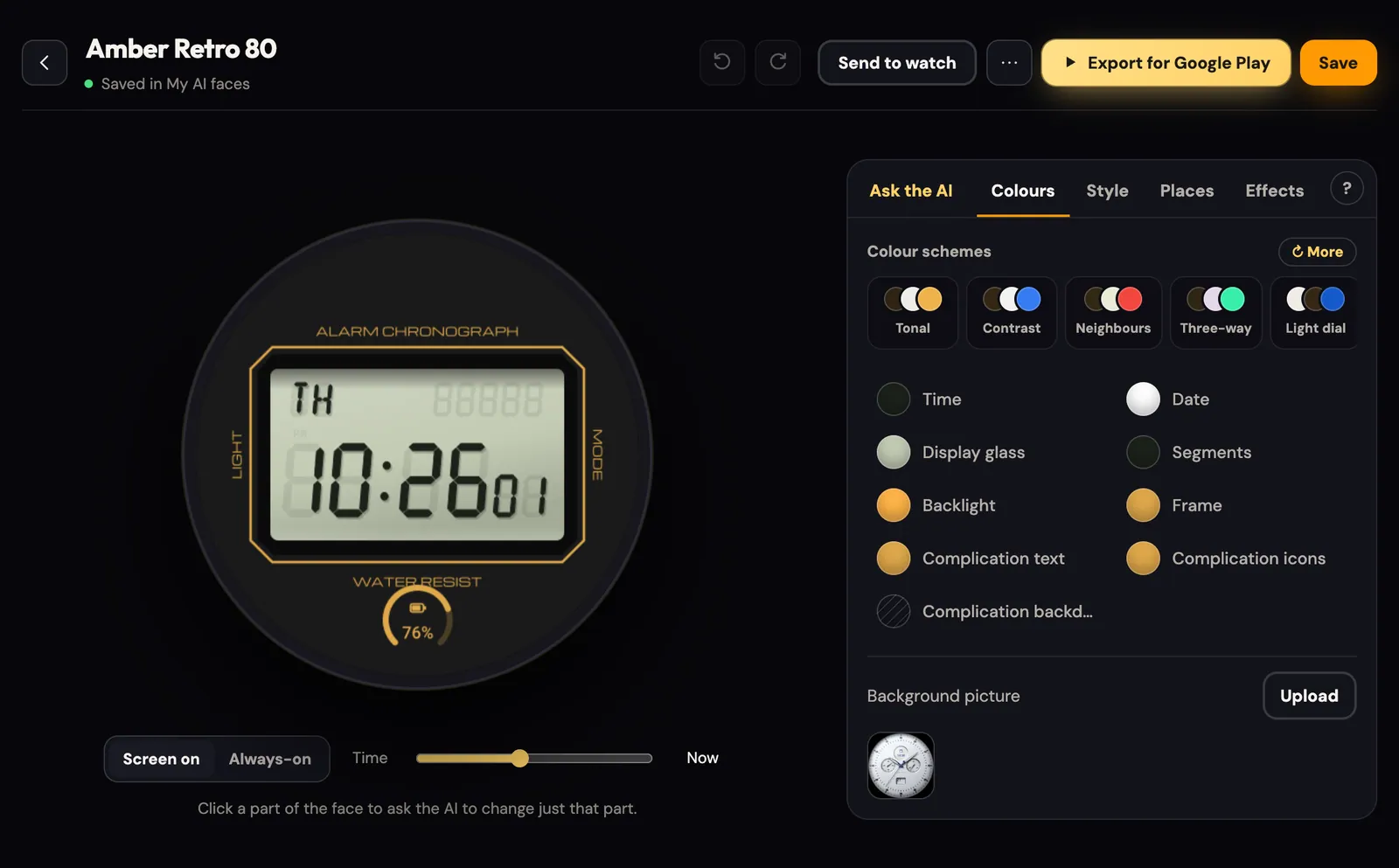
In Colours: the display glass, the segments, the frame and the backlight colour.
-
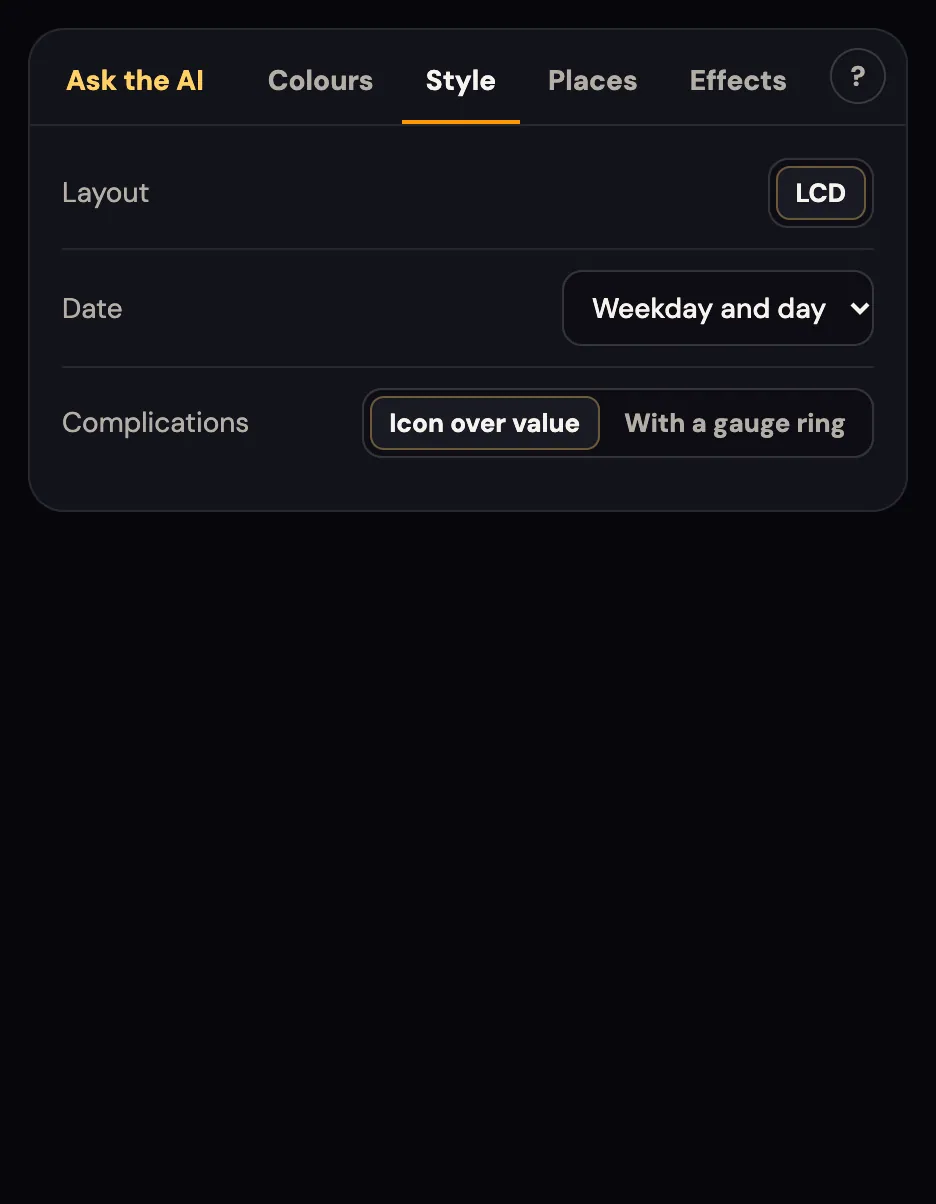
Step 4: Labels and options
In Style are the LCD’s own options. Labels made up by the AI never name other makers’ products.
-
Step 5: Turn the backlight on, on the watch
The backlight is a setting of the face on the watch, off by default: long-press the face, Customize, and switch it on. It lights unevenly, like real LEDs.