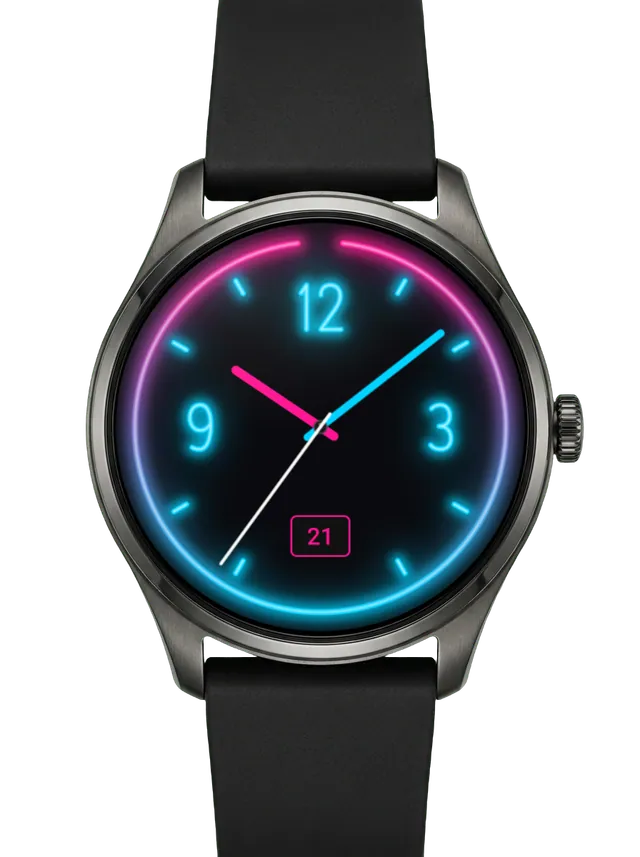
Make an analog face
Hands, markers and numerals drawn for you, with lume, neon or sunlight, complications and sub-dials where you want them.
5 min7 steps
-
Step 1: Describe the dial
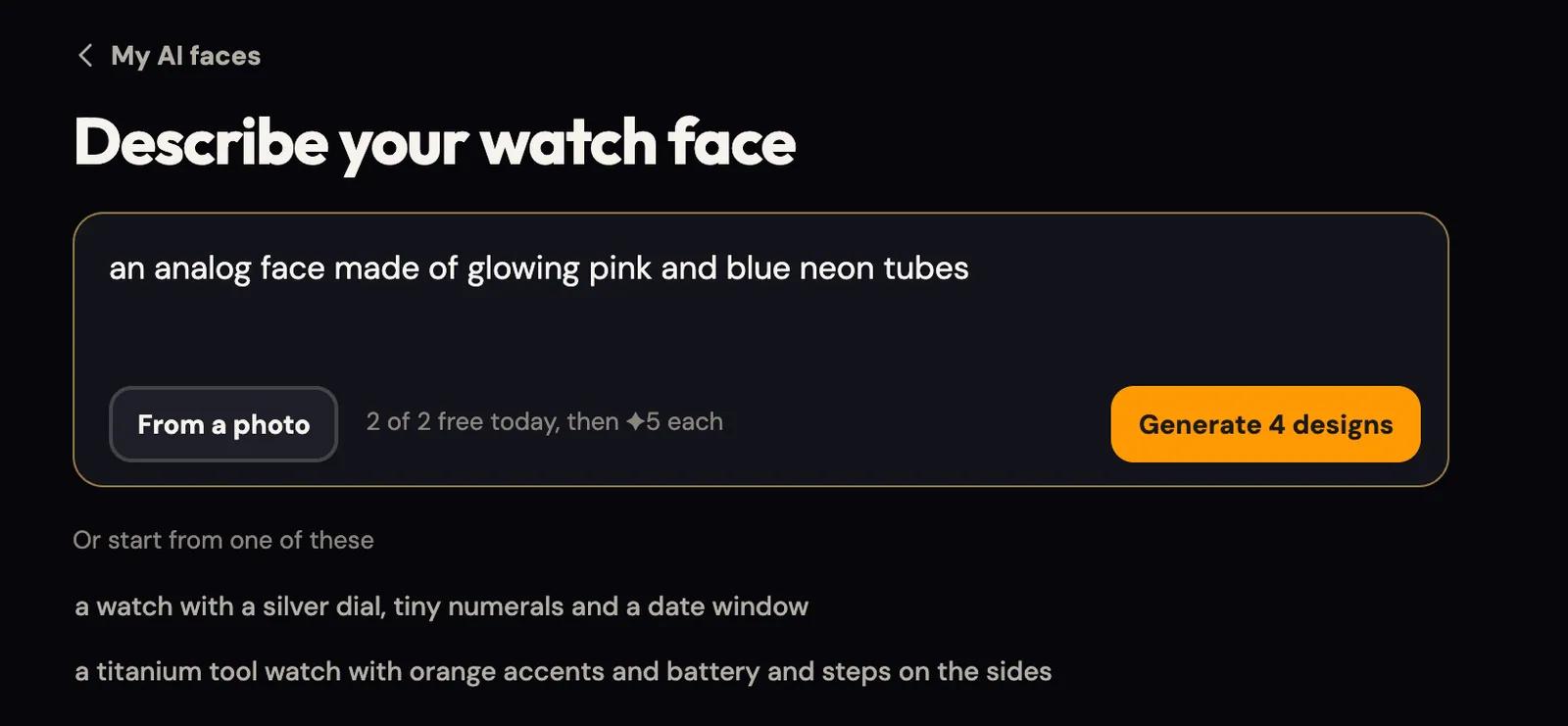
Say what kind of watch it is and what you see on the dial: colours, hands, numerals, a date, a light style. For example “an analog face made of glowing pink and blue neon tubes”.
-
Step 2: Pick a design
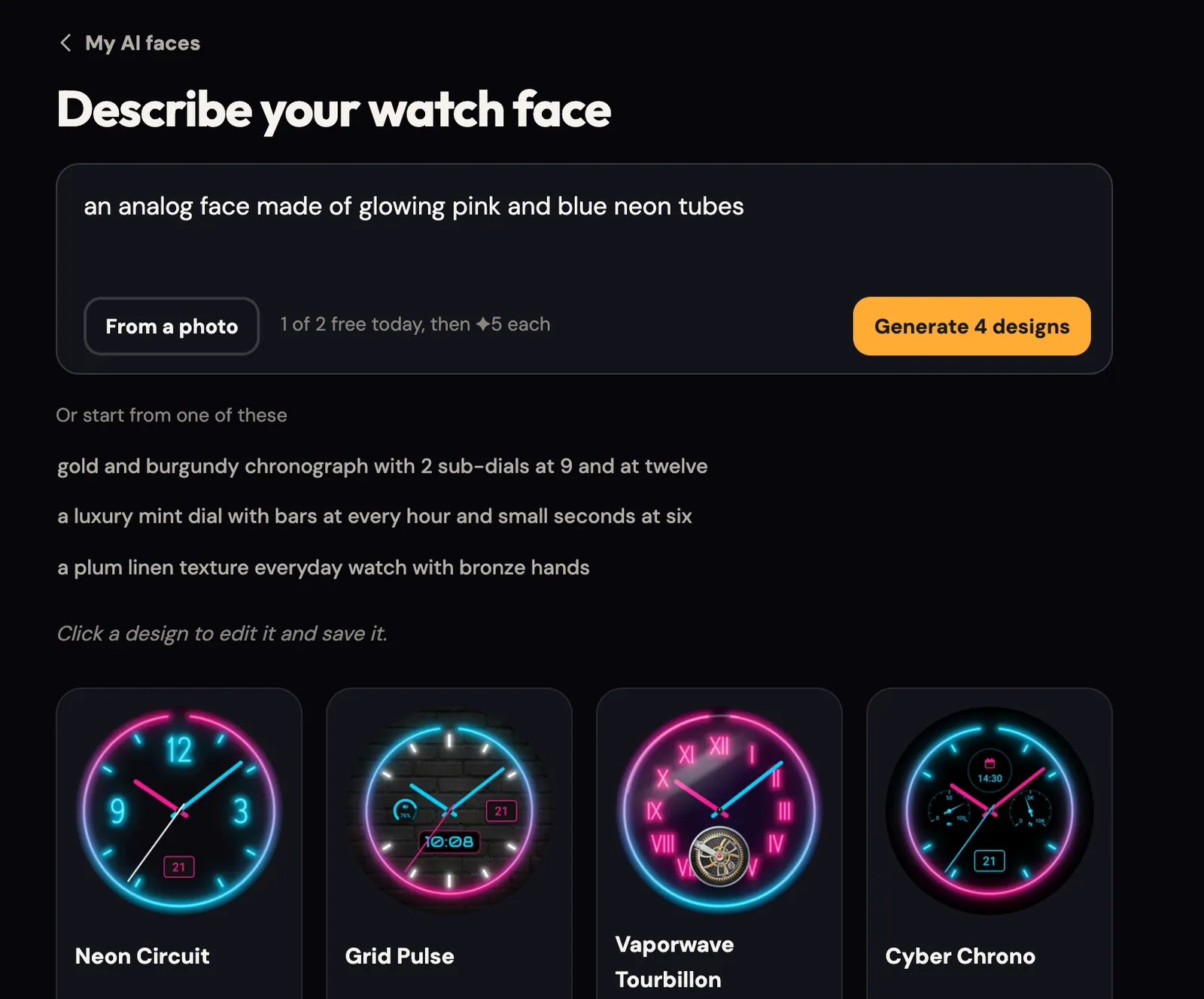
The four designs differ in layout and details. Open the closest one; everything else can be changed.
-
Step 3: Hands, markers and numerals
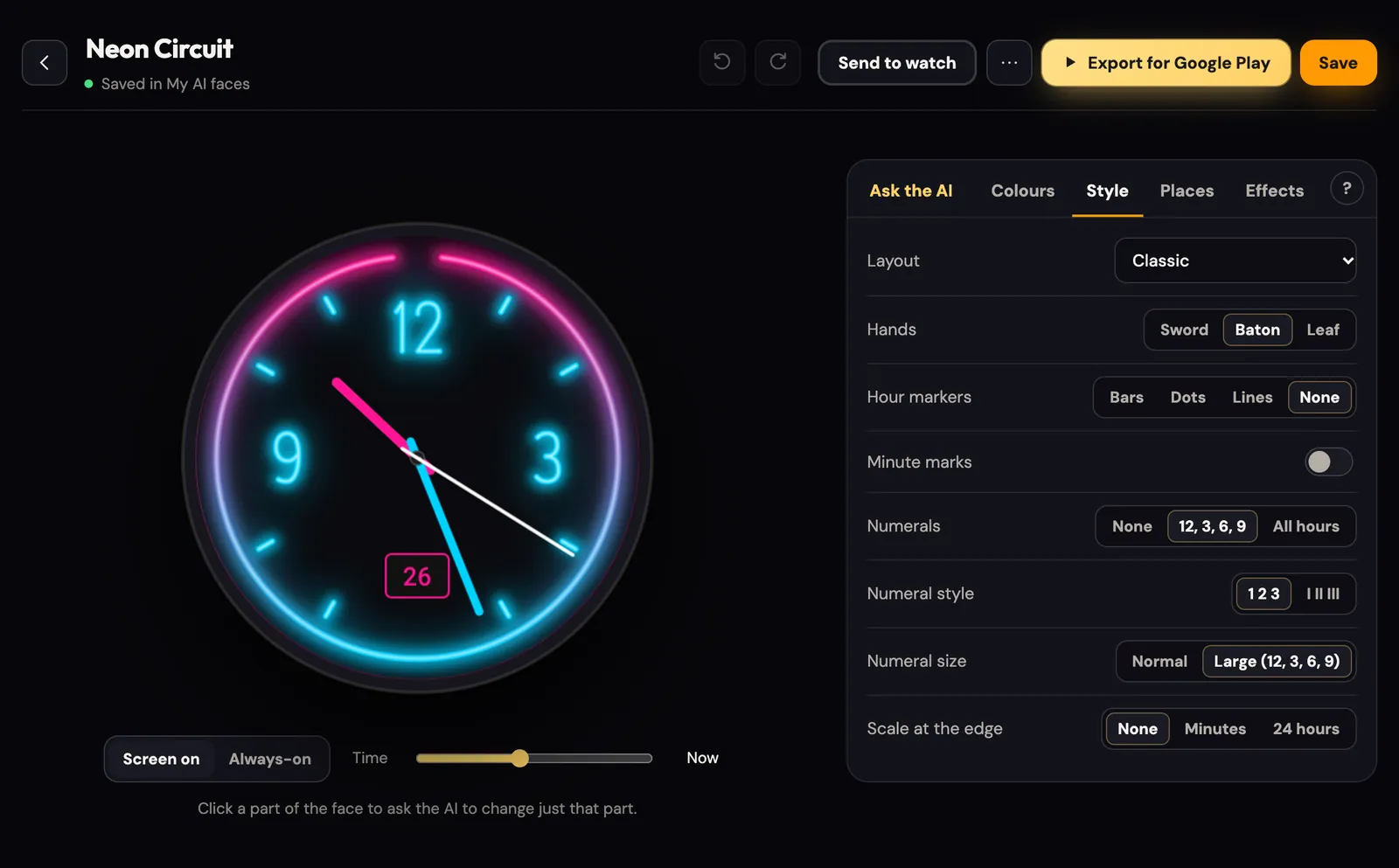
In Style: the layout (classic, chronograph, hybrid with a digital window and more), the hands, hour markers, minute marks, numerals and a scale at the edge.
-
Step 4: Complications and sub-dials
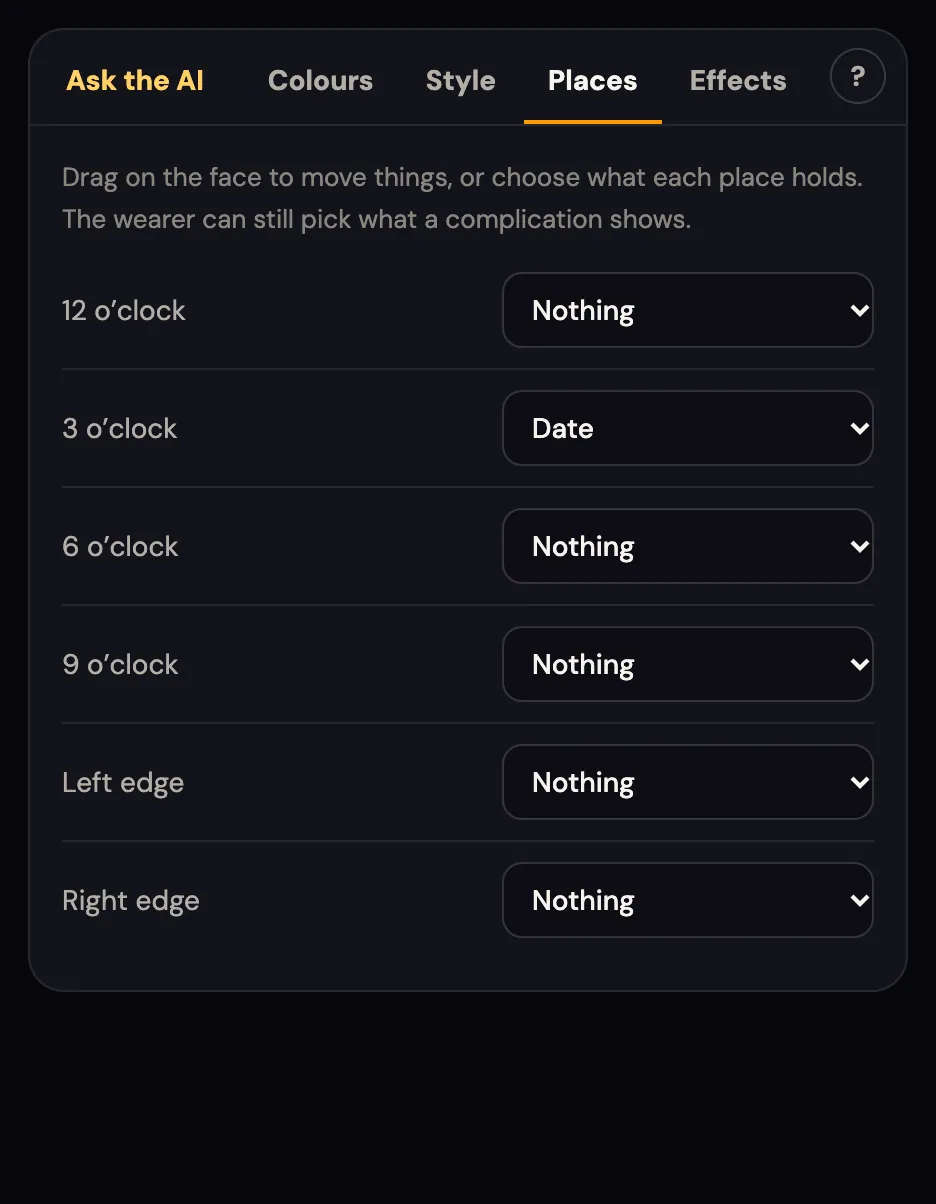
In Places you choose what each place shows: a complication, a sub-dial, the date, a digital time, a tourbillon or moving gears, or nothing. On the watch, the wearer can still change what each complication shows.
-
Step 5: Light and depth
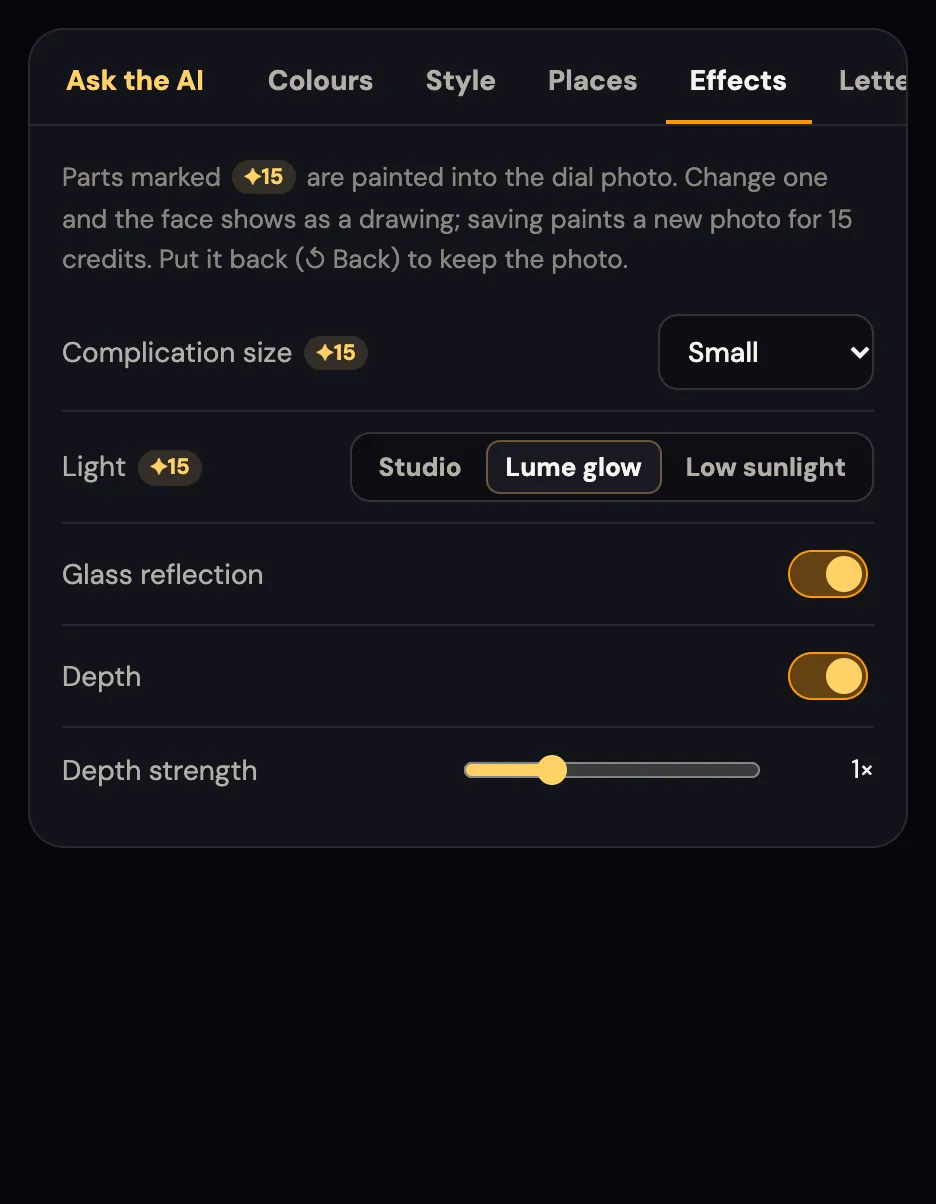
In Effects: the light (studio, lume glow, low sunlight), a moving glass reflection, and Depth, which shifts the layers as you tilt your wrist.
-
Step 6: Check the always-on look
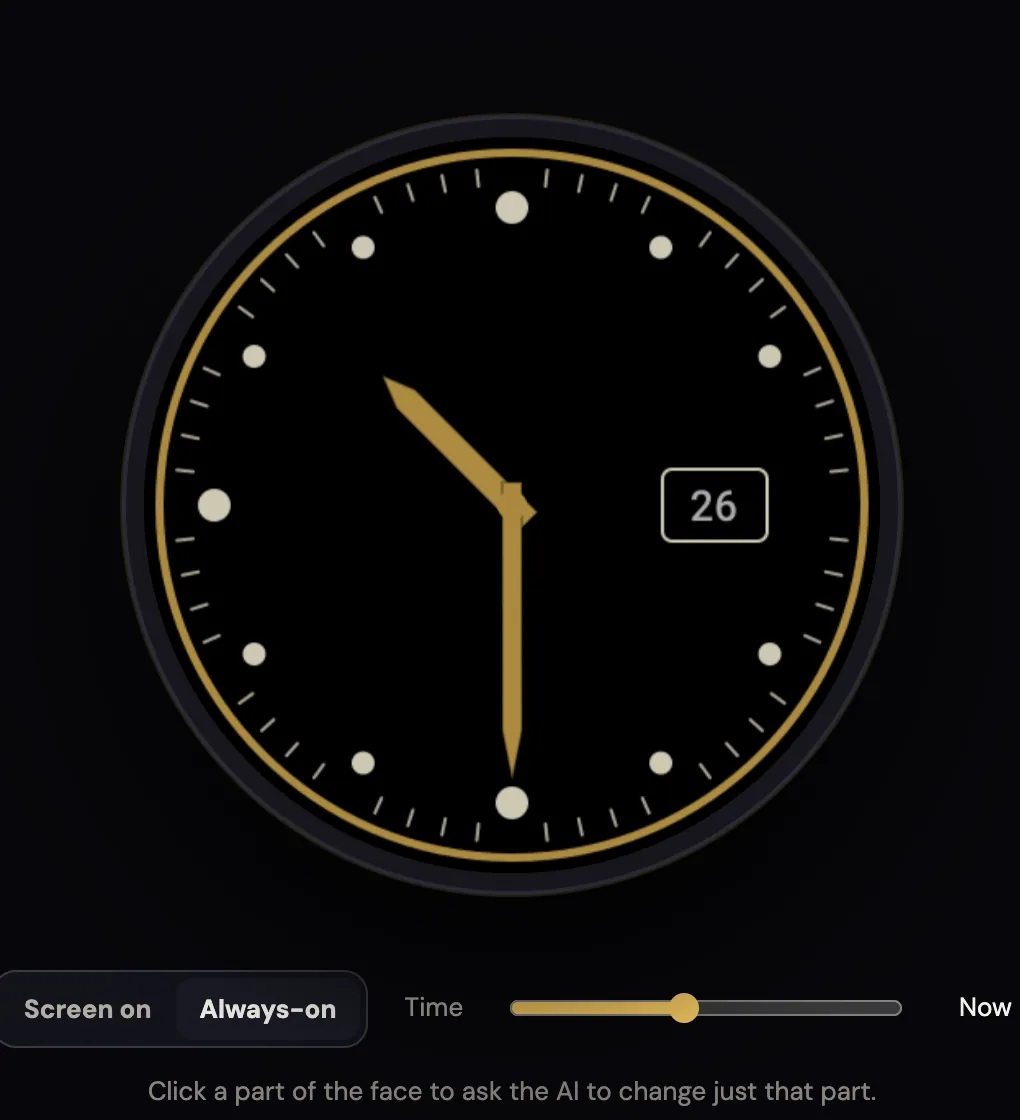
Switch the preview to Always-on to see the dimmed screen the watch shows between glances.
-
Step 7: Save and wear it
Save, then put it on your watch.