
Faces with several backgrounds
One face with up to 30 backgrounds that the wearer switches between on the watch.
3 min4 steps
Where: live in the studio since 2026-11-25. The Watchland app gets the price question for them in its next update; until then, add them in the studio.
-
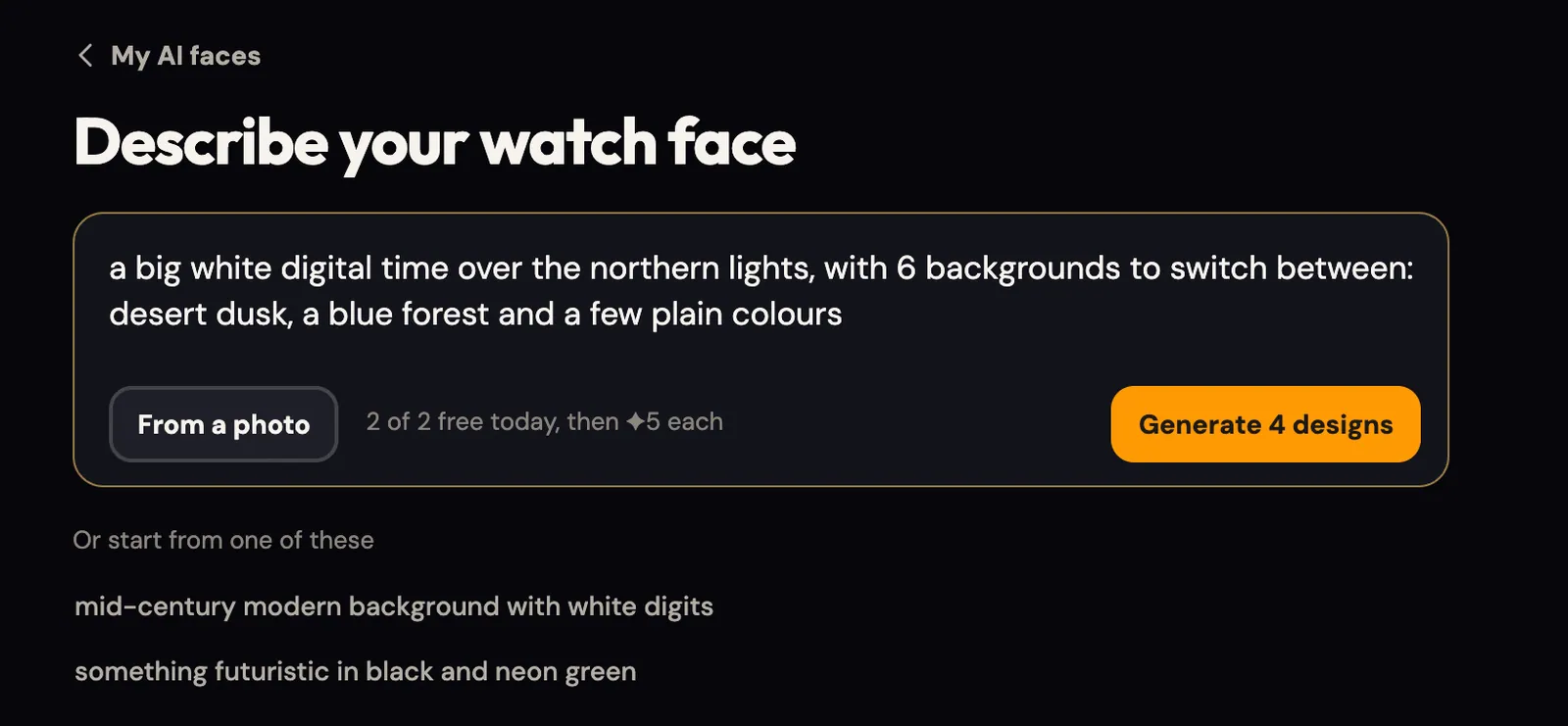
Step 1: Ask for them in the description
Say how many and, if you like, what they show: “with 6 backgrounds to switch between: desert dusk, a blue forest and a few plain colours”. Drawn ones (plain colours and gradients) are free; each AI picture is 8 credits.
-
Step 2: Say yes to the pictures, or go without
When you open the design, the studio asks for the total, for example “10 new AI backgrounds · Use 80 credits”. Without them opens the face without the new pictures.

-
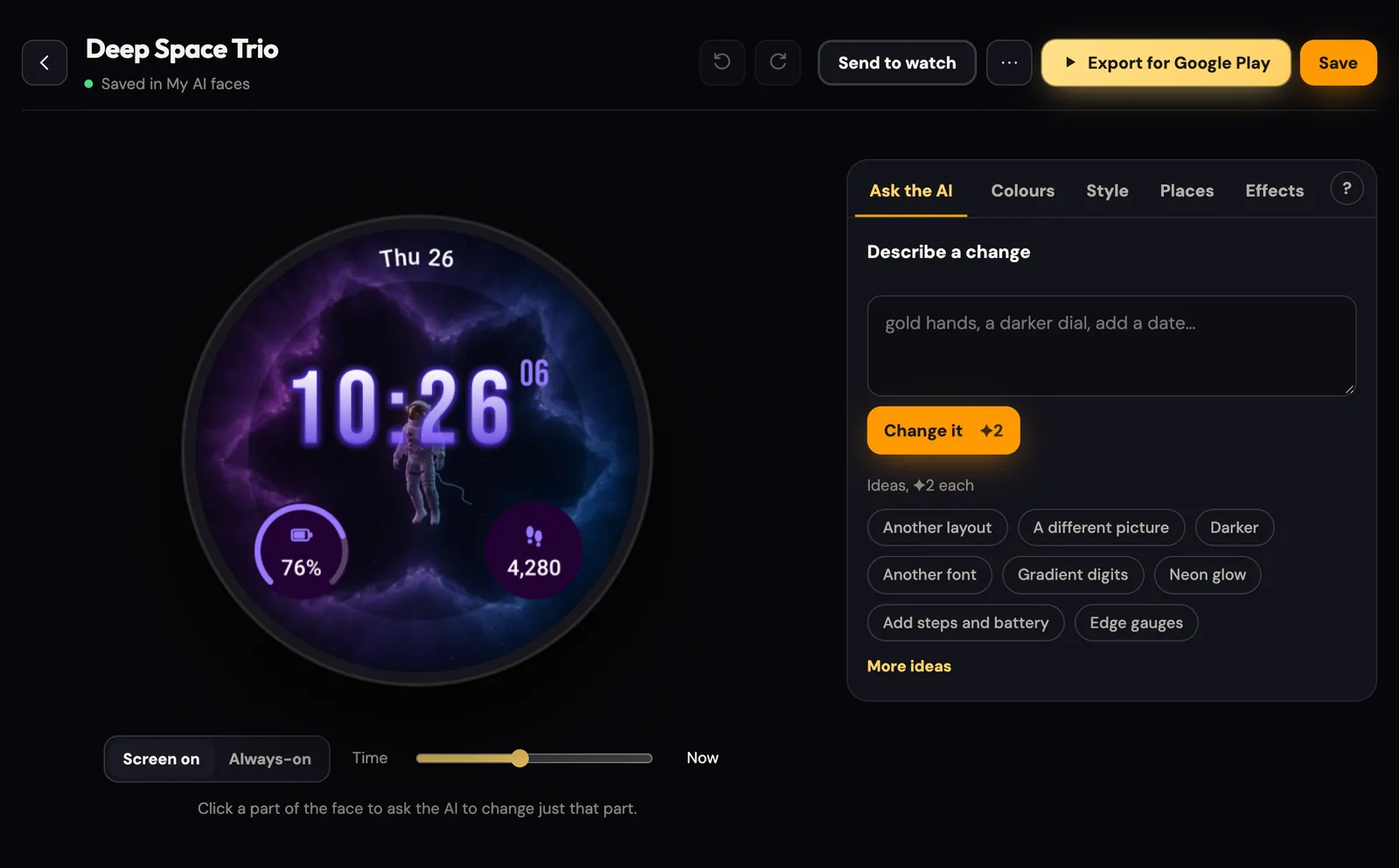
Step 3: Or add them later
In Ask the AI, write “add 5 more backgrounds” (and what they should show). The price is asked the same way. Up to 30 backgrounds in all, counting the face’s own.
-
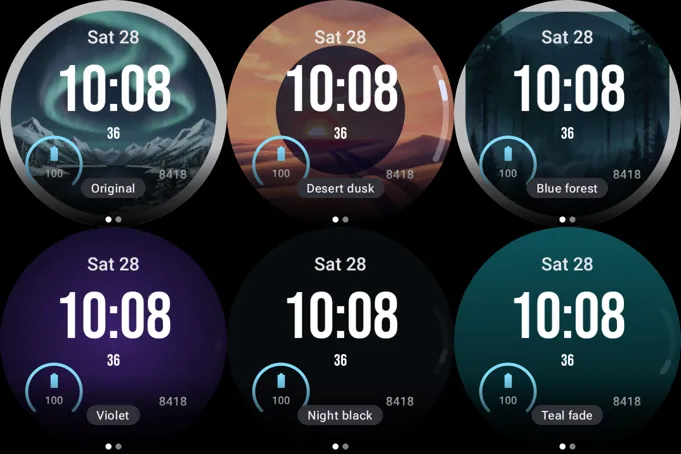
Step 4: Switch them on the watch
Save and put the face on your watch. Long-press the face, Customize › Background, and turn the crown or swipe. Each background has its name.
Where it doesn’t apply
Photo-real dials and LCD faces keep one background.