
A face from a photo
Upload a photo of a watch or a picture you like, and the four designs follow it, all of it or only the parts you say.
3 min3 steps
Studio: “From a photo” is live in the studio. In the Watchland app it comes as “Make a face like a photo” with the next app update.
-
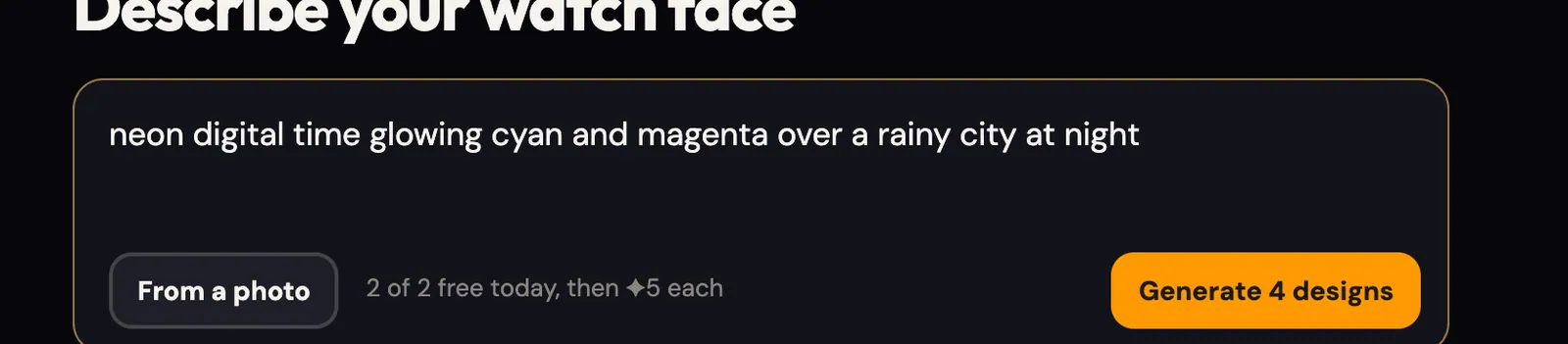
Step 1: Press From a photo
On the new-face screen, press From a photo and choose a picture from your computer or phone.
-
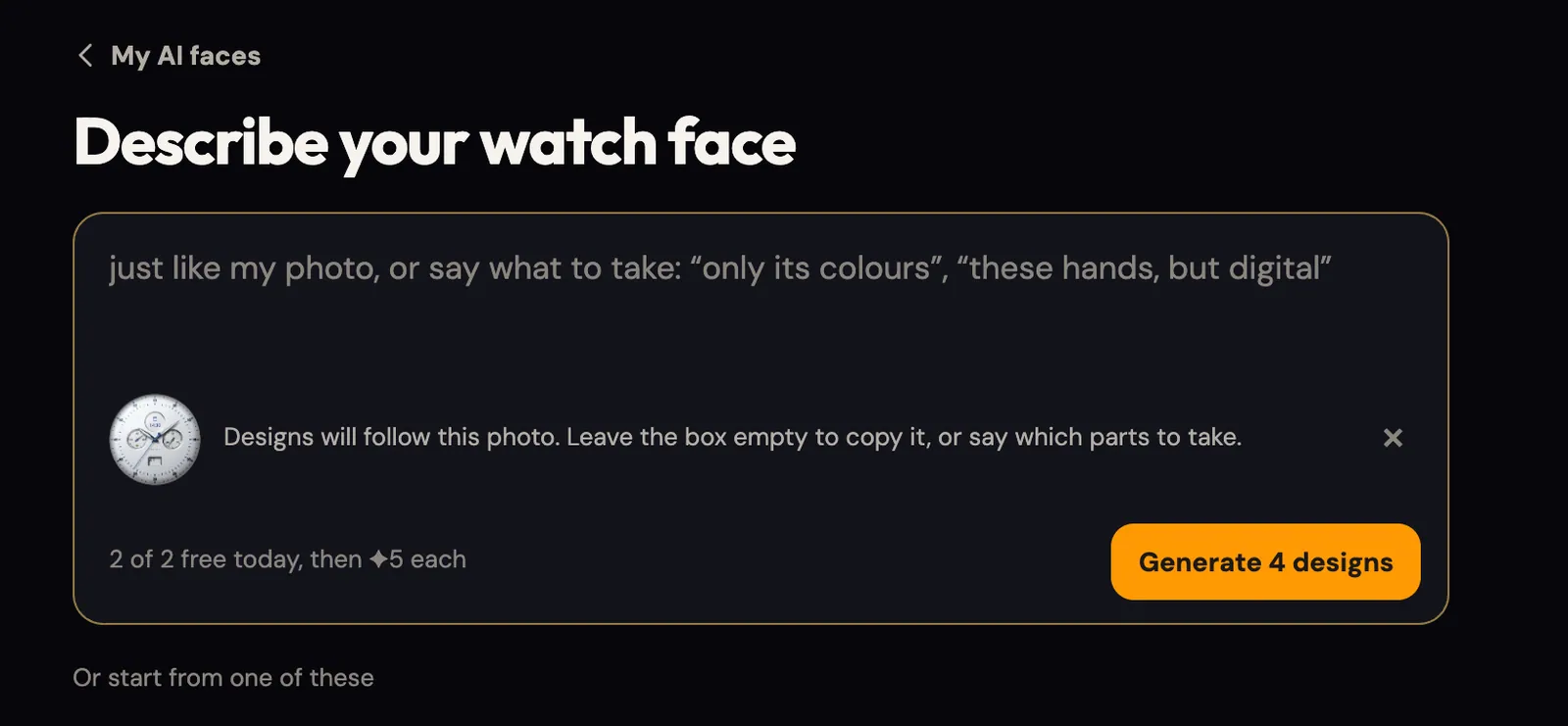
Step 2: Say what to take
Leave the box empty to copy the face, or say which parts to take: “only its colours”, “these hands, but digital”. A set from a photo costs the same as any other set.
-
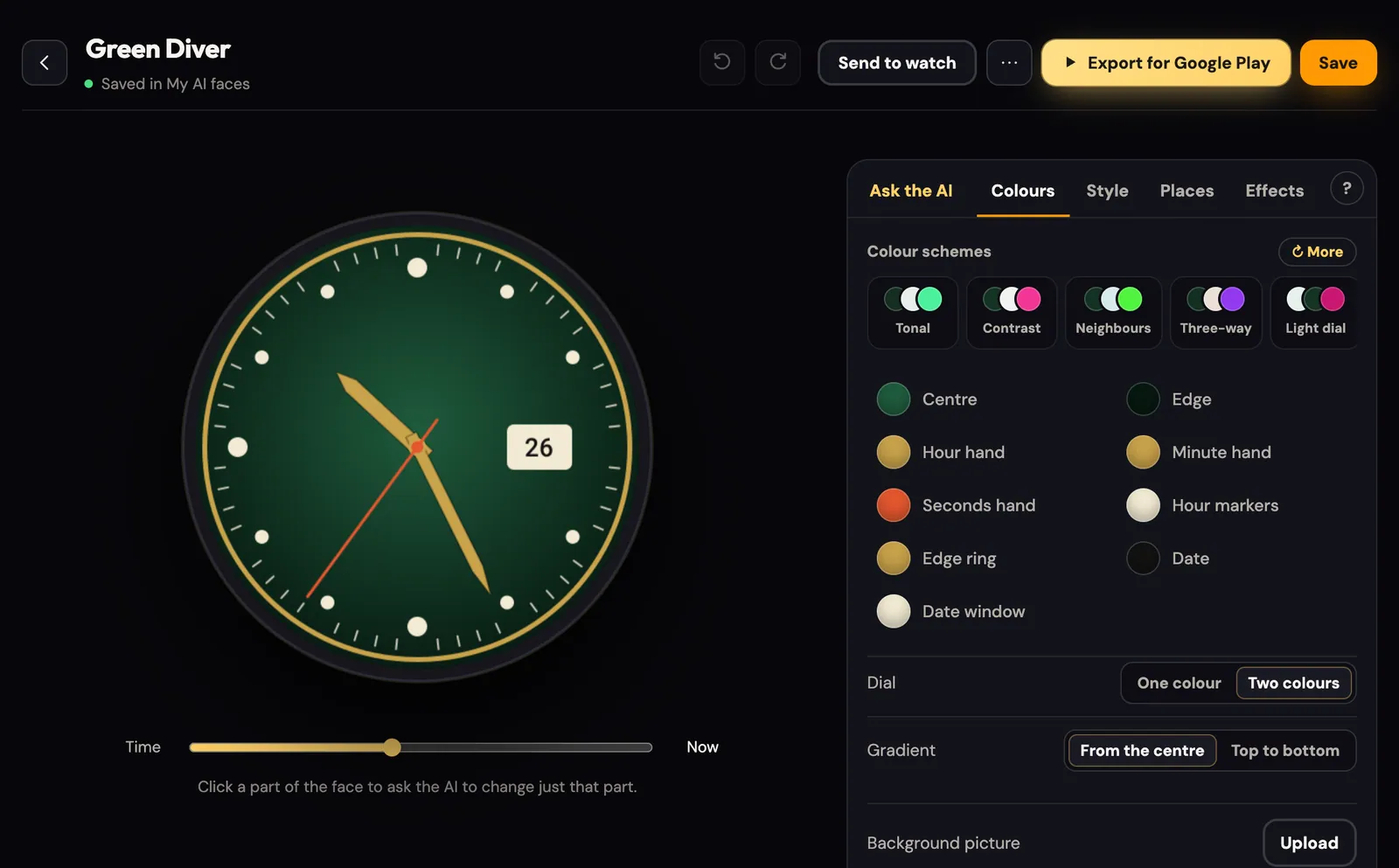
Step 3: What you get
The designs follow the photo’s layout, colours and style. Writing and logos on the photo are never copied: brand names, model names and slogans are left out. A photo of a picture face (a wallpaper, an illustration) is repainted as the background. Open a design and change it like any other.
Good to know
- Use photos you took or have the right to use.
- Publishing a copy of another company’s watch design on Google Play can break its rules; change it enough to make it yours.