Put Watchland on your watch, without the Play Store
⏱ 2 min, once📶 Same Wi-Fi💻 No computer⌚ Wear OS 6
⬇ Download Watchland APK
📱 On your phone
1
Remove the Play versionIf you have it. Different signature.
2
Open the APKAllow your browser to install apps.
3
Open WatchlandWatch setup › Install on my watch
⌚ On your watch
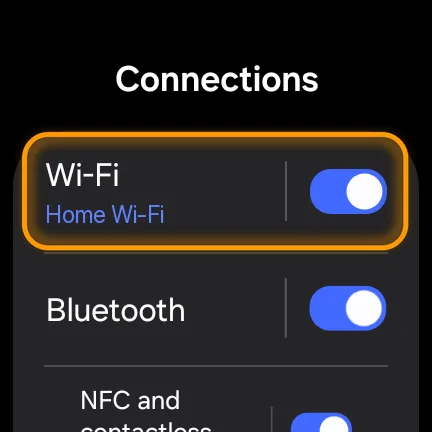 ›
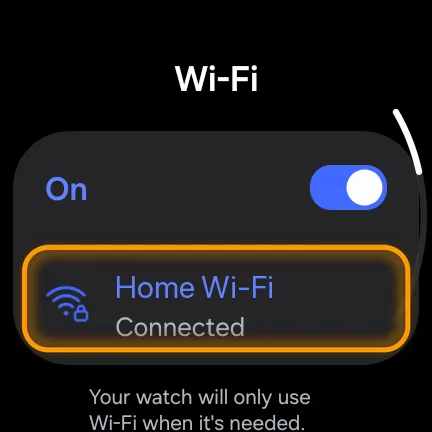
Join your phone's Wi-Fi
Settings › Connections › Wi-Fi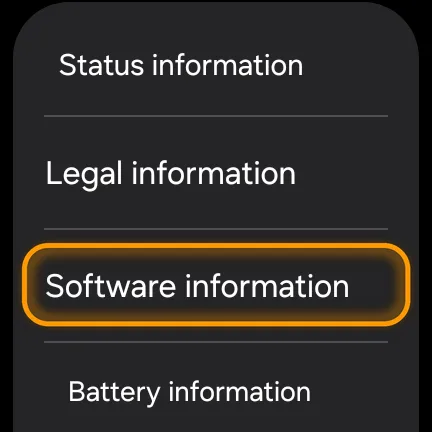 ›
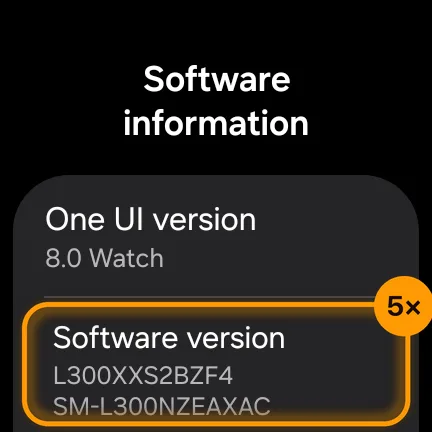
Tap Software version 5×
Settings › About watch › Software informationPixel Watch: System › About › Versions › Build number 7×
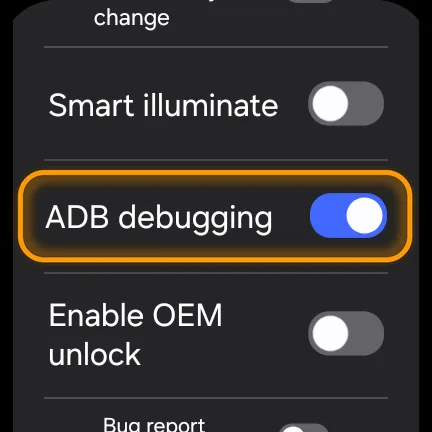 ›
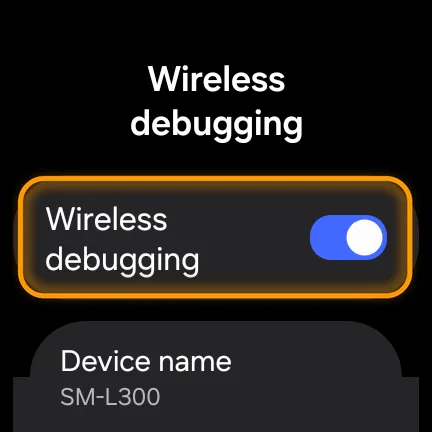
Turn on both switches
Settings › Developer optionsTap Allow if the watch asks.
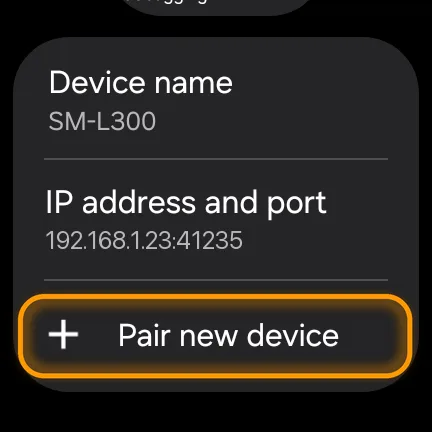 ›
Tap Pair new device
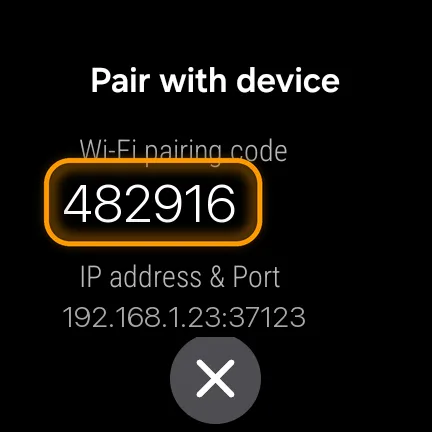
Wireless debugging › Pair new device📱›⌚
Type the code into Watchland
Watchland finds the watch by itself and installs the watch app in seconds.
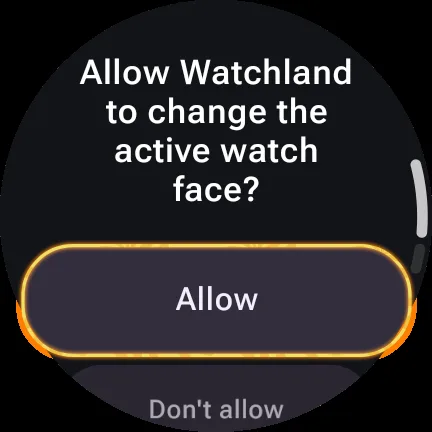
Tap Allow on your watch
Watchland opens this on the watch for you.
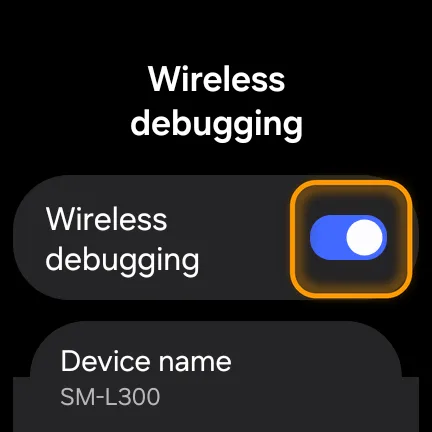
Switch Wireless debugging off
Or tap Turn it off for me in Watchland. Updates later: switch it on, tap Update.

NEW · AI FACE CREATOR
Next: describe a watch face. Wear it.
Design your own face with AI in Watchland →
Stuck?
Watchland can't find the watch
- Keep the watch awake on the Wireless debugging screen.
- Same Wi-Fi on both. Guest networks often block this; your phone's hotspot works.
- Or tap Type the address instead and enter the address under the code.
The code didn't work
Codes work once, while the pairing screen is open. Tap Pair new device again for a new one.
The watch asks to replace Watchland
It has the Play Store copy. Removing it also removes the faces it installed; send them again afterwards.
Use a computer instead
Get watchland-wear.apk from the same release as your phone APK:
adb pair 192.168.1.23:37123      # from "Pair new device"
adb connect 192.168.1.23:41235   # from the Wireless debugging screen
adb -s 192.168.1.23:41235 install -r watchland-wear.apk