
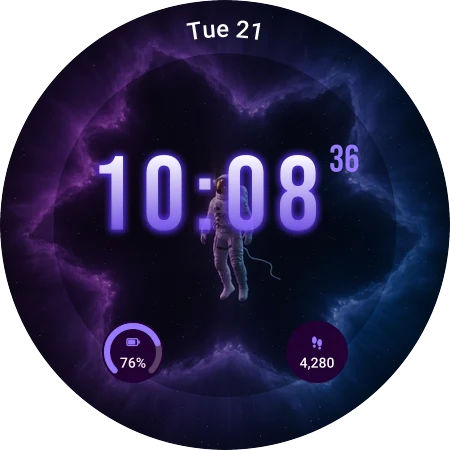
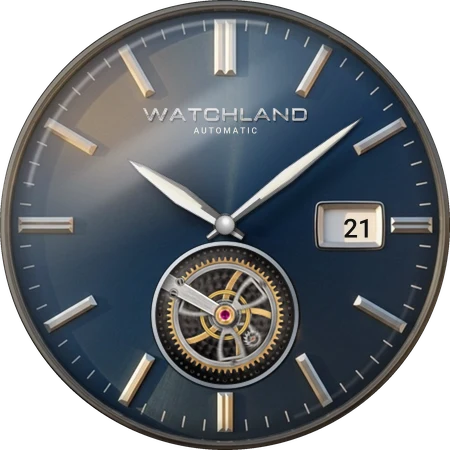
Nearly 1,000 Watch Faces
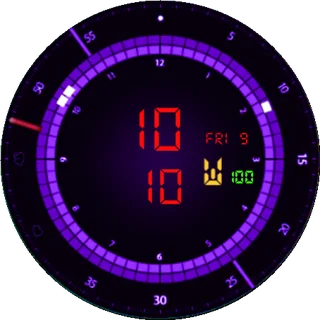
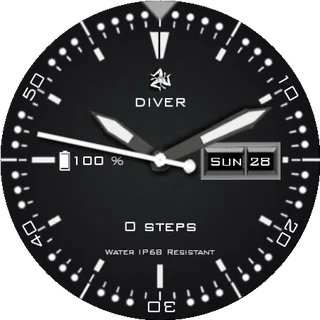

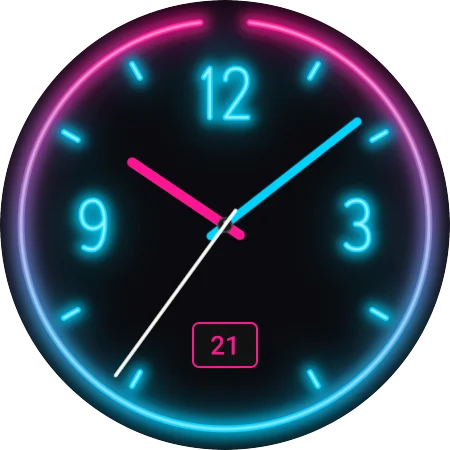
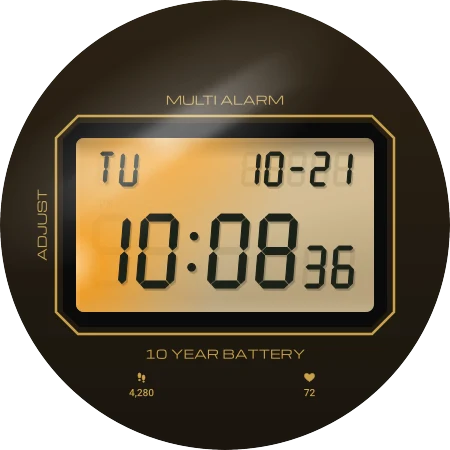
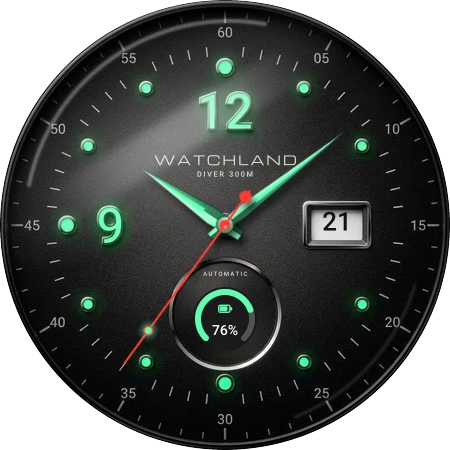
Analog, digital and hybrid faces: dive, pilot and chronograph styles, retro LCD looks, minimal AMOLED faces and fun designs, with complications like steps, heart rate, battery and weather.
Browse a curated catalogue on your Android phone and send any face to your watch in two taps. Every face is built in Watch Face Format for Wear OS 6.
Analog, digital and hybrid faces with steps, heart rate, battery and weather. New ones arrive every week.
Three steps, about a minute, no files to copy.
Download the Watchland app from Google Play on your Android phone. It helps you add the Watchland watch app to your paired Wear OS 6 watch. iPhone is not supported.
Browse by style (analog, digital, hybrid, minimal, sporty) or filter by what a face shows. Every face has an animated preview, and Top Charts show what is popular.
Tap Install and the face is sent to your watch, ready to apply. No files to copy and no sideloading.
One catalogue, one install flow, and faces that work on today's watches.
Analog, digital and hybrid faces: dive, pilot and chronograph styles, retro LCD looks, minimal AMOLED faces and fun designs, with complications like steps, heart rate, battery and weather.
Every face is a Watch Face Format (WFF) face, the format Google requires on current Wear OS watches, so it runs on new watches and stays light on battery in always-on mode.
Faces are reviewed before they are listed, low-quality or infringing designs are removed, and anyone can report a face. Filters for date, steps, heart rate, battery or moon phase help you find a face that shows what you need.
New faces arrive every week, with weekly collections and Top Charts that show what other watch owners are installing.
Many faces start as GWD or Watch Face Studio designs. Watchland converts each one to Watch Face Format and checks it on a Wear OS emulator, so it installs on Samsung Galaxy Watch models with One UI 8 Watch and other Wear OS 6 watches without sideloading or developer tools.
Watchland is a free Android app with a curated catalogue of nearly 1,000 watch faces for Wear OS smartwatches. Pick a face on your phone, see it as an animated preview, and install it on your watch in two taps. You get free downloads every day; Premium removes ads and limits.
Watches running Wear OS 6 or later, paired with an Android phone: Samsung Galaxy Watch 4 and newer (including Galaxy Watch Ultra) once updated to One UI 8 Watch, Google Pixel Watch models on Wear OS 6, and other Wear OS 6 watches. Tizen-based Galaxy watches, Apple Watch and iPhone are not supported.
No. Watchland provides a large library of free watch faces. Some downloads are supported by short rewarded video ads, and there is an optional premium subscription for users who prefer an ad‑free experience and faster access.
Yes. You can download Watchland from the official Google Play Store using the button at the top of this page. We also provide a direct APK download for advanced users who prefer sideloading apps on Android.
A new part of Watchland that designs a watch face from a sentence you type, then builds it as a real Watch Face Format face for your Wear OS watch. It is in a closed beta for Premium members now and will open to everyone later. Join the launch list at watchland.ca/ai-face-creator to hear first.
Yes. Designers can submit original faces through the Watchland creator portal at watchland.ca/creators. Good original designs are featured to more users.

Install Watchland for free and give your watch a new face today.
APK File · APK installation requires enabling "Unknown Sources" in Android settings