
Promote your face on Reddit
Use the promo pictures and videos from your export, and post the way each subreddit allows.
5 min6 steps
-
Step 1: Get the promo pictures and video
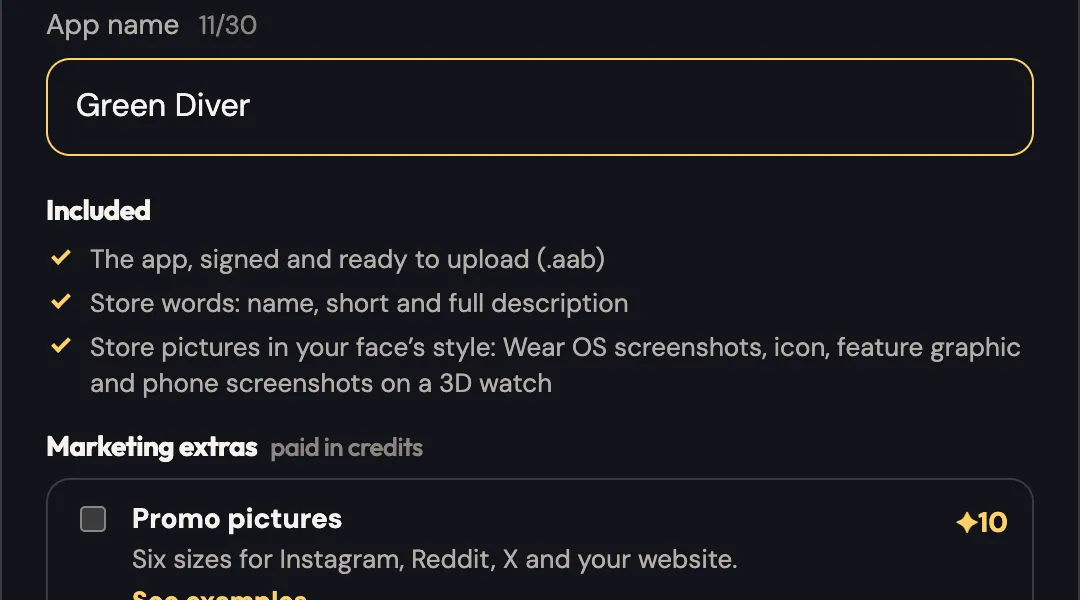
When you export for Google Play, tick Promo pictures (six sizes, including one for Reddit) and a Promo video. Each shows its price in credits; See examples shows what you get.
-
Step 2: Pick the picture for the post
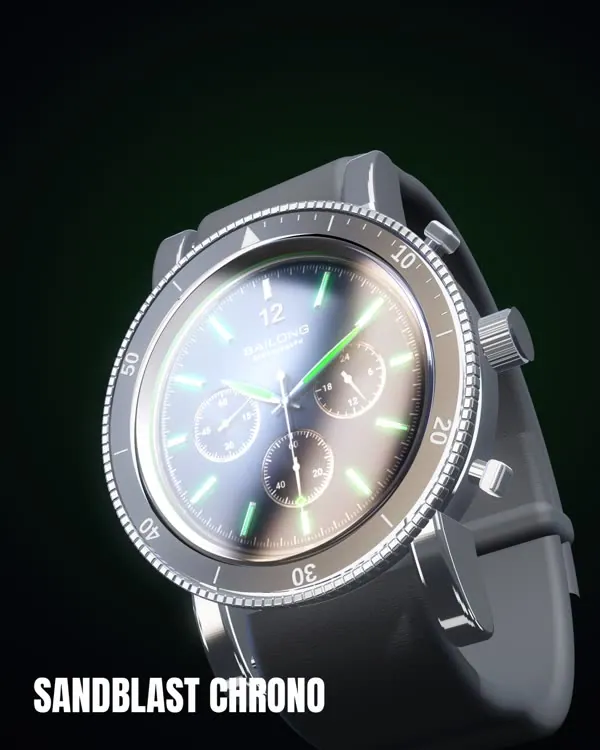
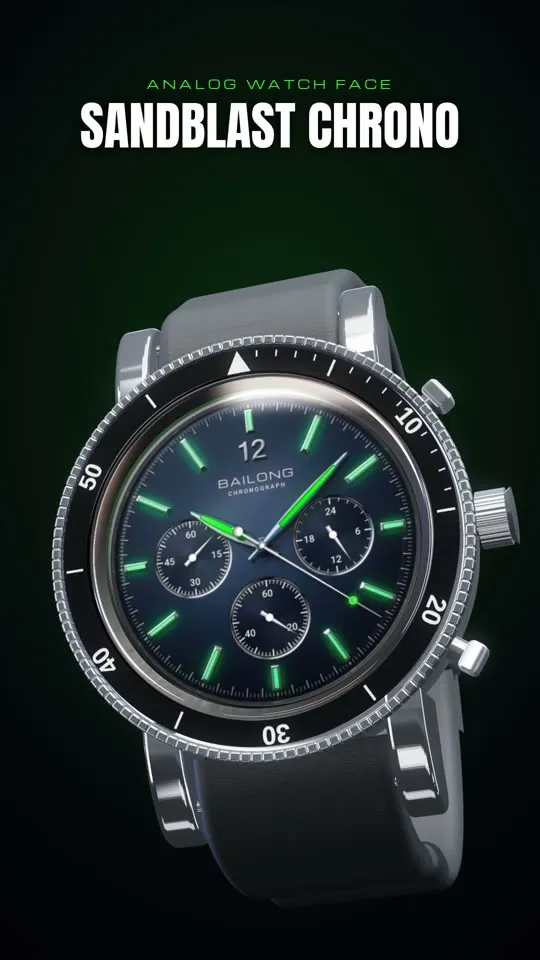
The tall hero picture (1080 × 1350) fills a phone screen in the feed. Post the picture itself, not only a link: people see the face before they decide to click.
-
Step 3: Read the subreddit’s rules first
Every subreddit sets its own rules on self-promotion: some allow it only on certain days or in a weekly thread, some want a flair, some don’t allow links at all, and some ban it. Read the rules in the sidebar and the pinned posts, and follow them. If you aren’t sure, ask the moderators.
-
Step 4: Write it like a person
Say you made it and how (with the AI Face Creator), what it shows, and that it’s for Wear OS. Keep it short and honest; no “best ever”. If links are allowed, add the Google Play link; if not, answer with it only when someone asks.
-
Step 5: Video where it fits
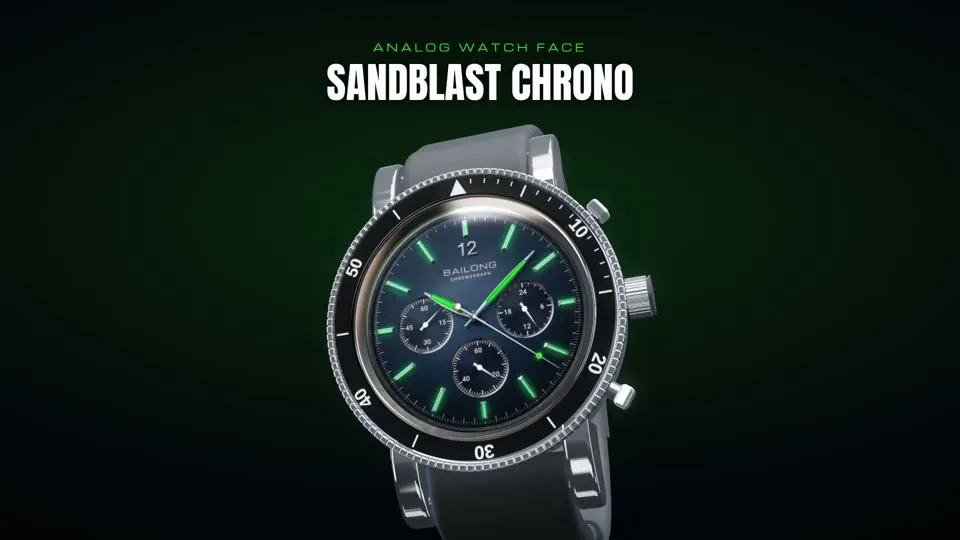
Subreddits that allow video get the 12-second vertical or square film. The landscape one also fills Google Play’s promo video slot.
-
Step 6: Stay, answer, and give codes fairly
Answer comments in the first hours. If the subreddit allows giveaways, offer promo codes to people who comment and send them by direct message. Don’t post the same thing to many subreddits at once.